GE MEDICAL SYSTEMS
D
IRECTION 5184024-100, REVISION 5 LOGIQWORKS® BASIC SERVICE MANUAL
Chapter 3 Installation 3-167
3-5-7-2 Logging (cont’d)
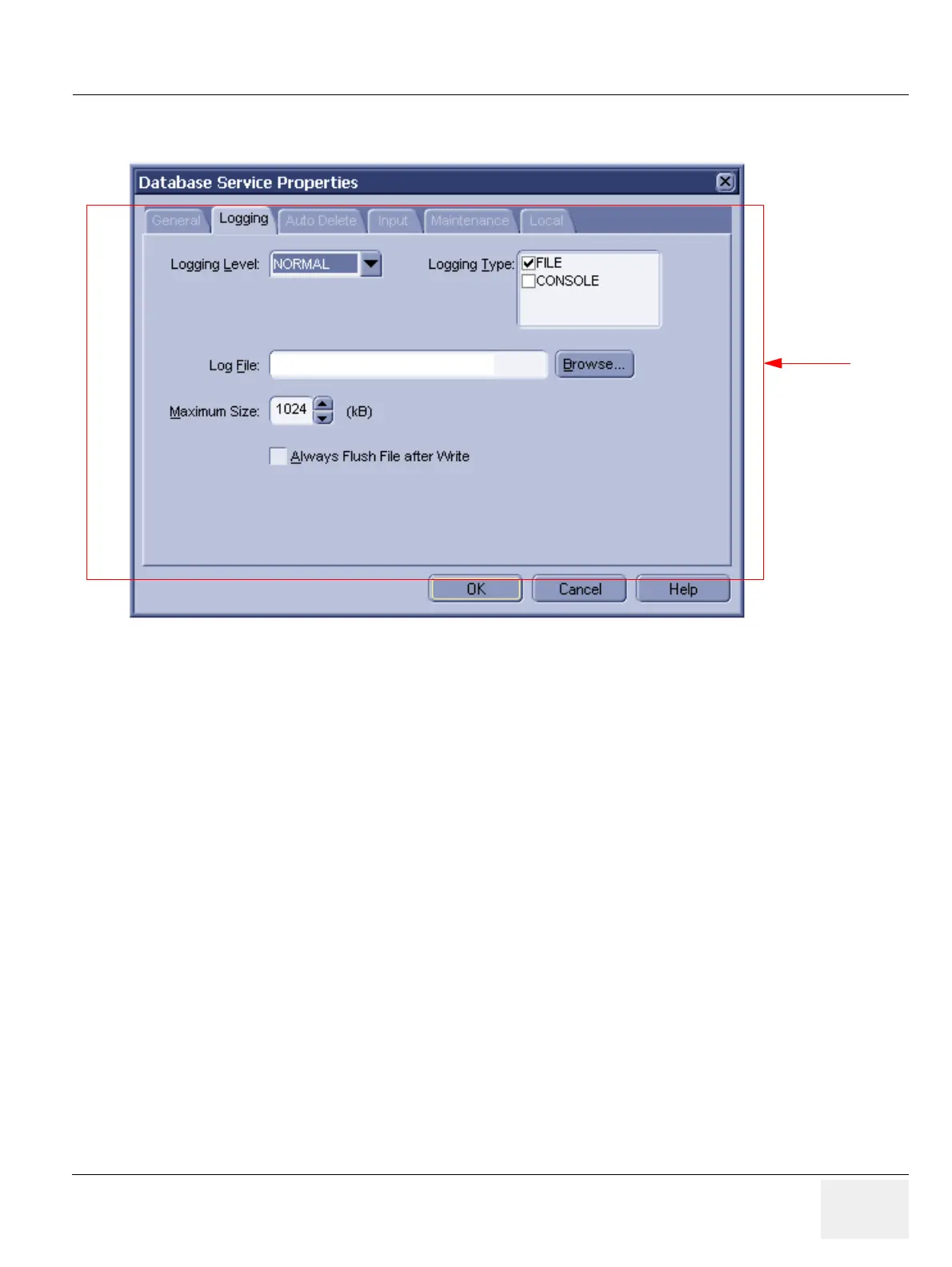
• Logging Level: Set the level of logging messages. If set to ALL, all messages will be logged. If set
to NORMAL (the typical setting) only error messages will be logged.
• Logging Type: Set the types of logging used by the RadWorks application. (Default: file)
- File: If this check box is checked, RadWorks will write general information about its operation
to the RadWorks.log file, which you can view in the Log folder.
- Console: If this check box is checked, RadWorks will display a window that continuously
shows the actions RadWorks is performing. This is useful when troubleshooting.
• Log File: Set the name of the log file. Each Service has its own default log filename.
Figure 3-141 Database Service Properties - Logging (Default Settings)
Administrator
only
D:\RA600\LOG



 To Next Page