GE MEDICAL SYSTEMS
DIRECTION 5184024-100, REVISION 5 LOGIQWORKS BASIC SERVICE MANUAL
3-72 Section 3-5 - Configuration
3-5-1-3-1 Monitor Setup based on Dell 340
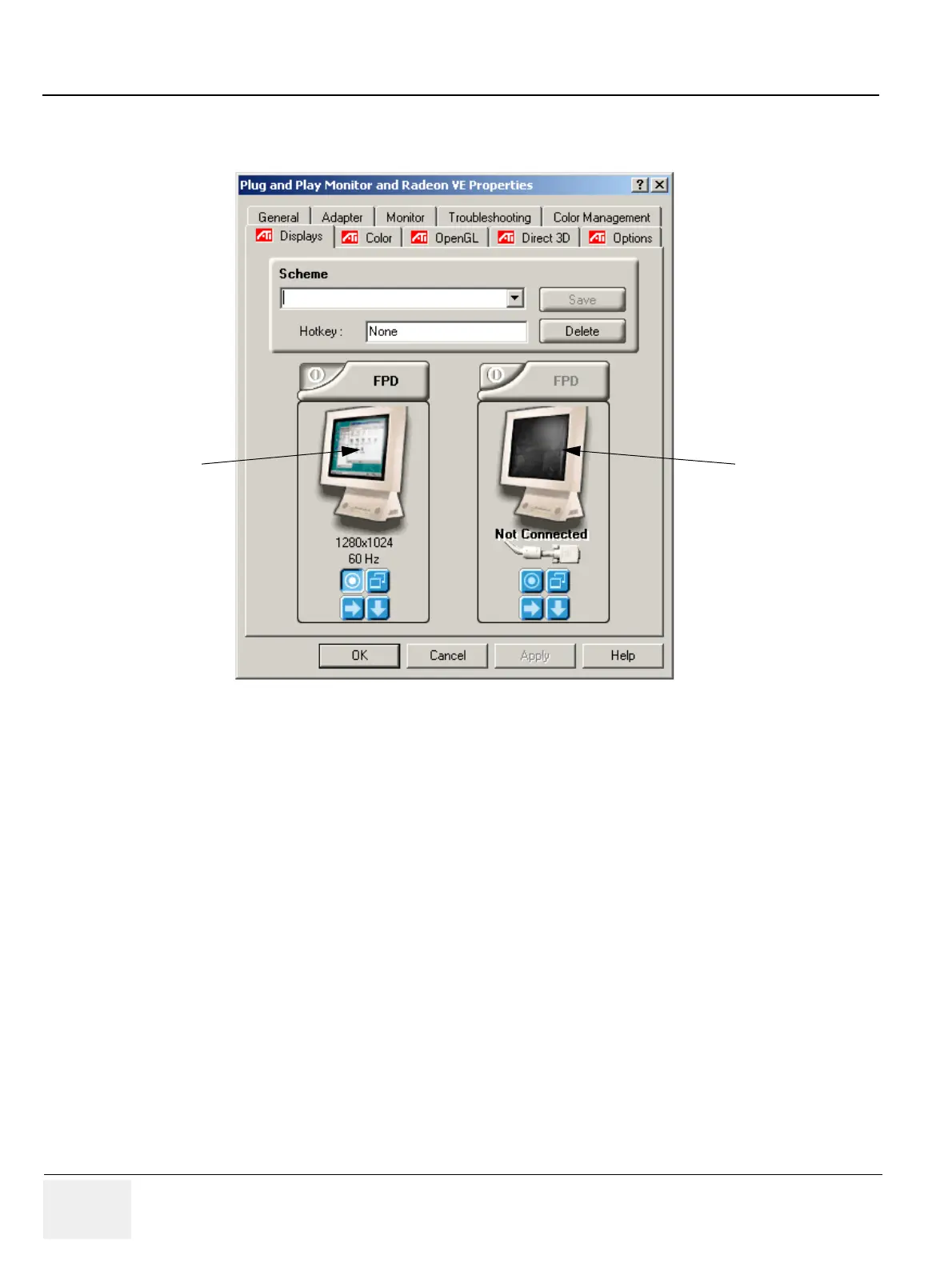
Set up your system for dual monitor use:
4.) On the ATI Displays Tab make sure that both monitors are checked and activated (green light
shows activation).
Figure 3-60 ATI Radeon Display Properties - Dual Monitor
Monitor connected
Second monitor not
connected



 To Next Page