GE MEDICAL SYSTEMS
DIRECTION 5184024-100, REVISION 5 LOGIQWORKS BASIC SERVICE MANUAL
3-108 Section 3-5 - Configuration
3-5-3-5 System Properties (cont’d)
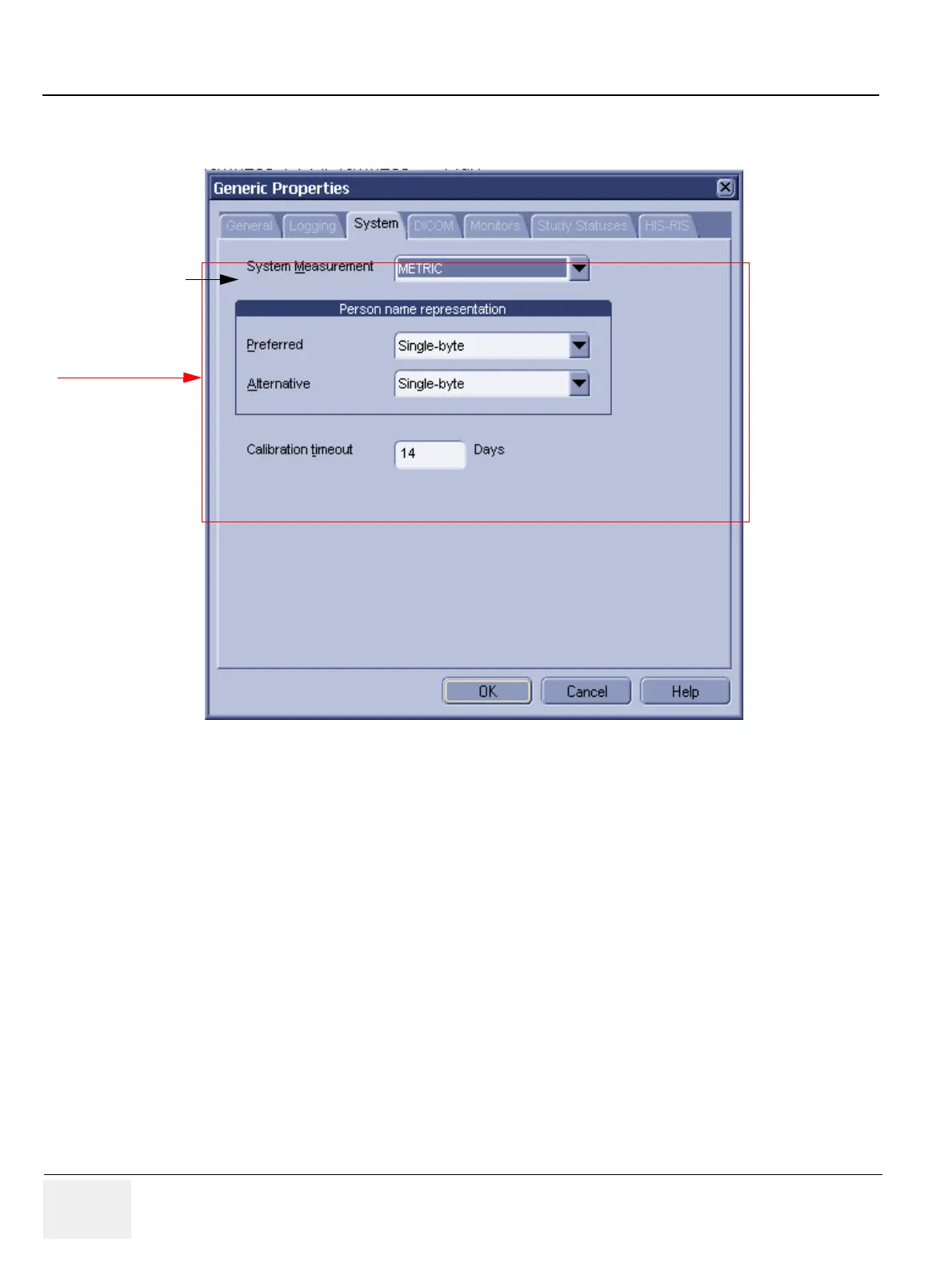
• System Measurement: Select the units of measurements you want LOGIQworks to use from the
drop-down list. If you select REGIONAL SETTINGS (see Figure 3-74), LOGIQworks will use the
settings as specified in Regional Settings in the Windows Control Panel (see Section 3-5-1-2 on
page 3-70). (Default: METRIC)
If you wish to overrule Windows' regional settings, you can select either METRIC (Default setting) or US
from the drop-down list. LOGIQworks will then use millimeters or inches irrespective of what is specified
in the Windows Control Panel.
Figure 3-94 Generic Properties - System Settings
System measurement
Administrator only



 To Next Page