GE MEDICAL SYSTEMS
DIRECTION 5184024-100, REVISION 5 LOGIQWORKS BASIC SERVICE MANUAL
3-116 Section 3-5 - Configuration
3-5-3-9 Study Status Permission (cont’d)
.
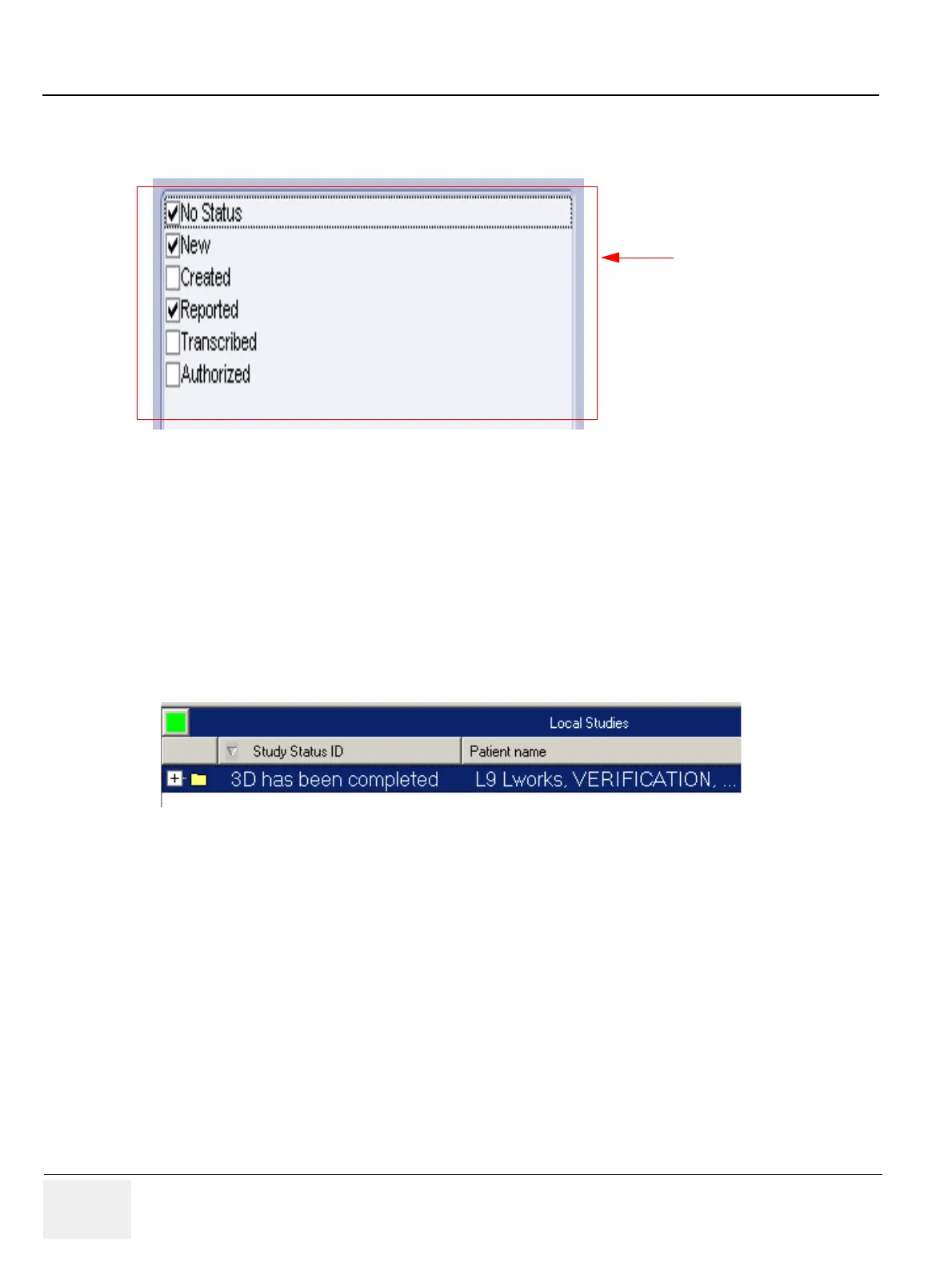
Set which study statuses the user will be able to select from when presented with the opportunity to
change study status while using LOGIQworks.
Check the check boxes of the statuses the user will be able to select.
The user can be allowed to set the status back to a 'lower' one, from 'Authorized' to 'Created' for
example. In some cases, however, this may cause workflow problems. Check the Allow user to set
back the study status check box if you want a user to be able to set back the study status on the
workstation.
Figure 3-103 User Properties - Study Status Permission (with user added study status)
Figure 3-104 Study Status in Data Selector
Administrator only if option
“Allow (other) users to set back
the study status” is disabled;
will then not be available to
non-admin users.



 To Next Page