GE MEDICAL SYSTEMS
DIRECTION 5184024-100, REVISION 5 LOGIQWORKS BASIC SERVICE MANUAL
3-156 Section 3-5 - Configuration
3-5-5-6 DICOM (cont’d)
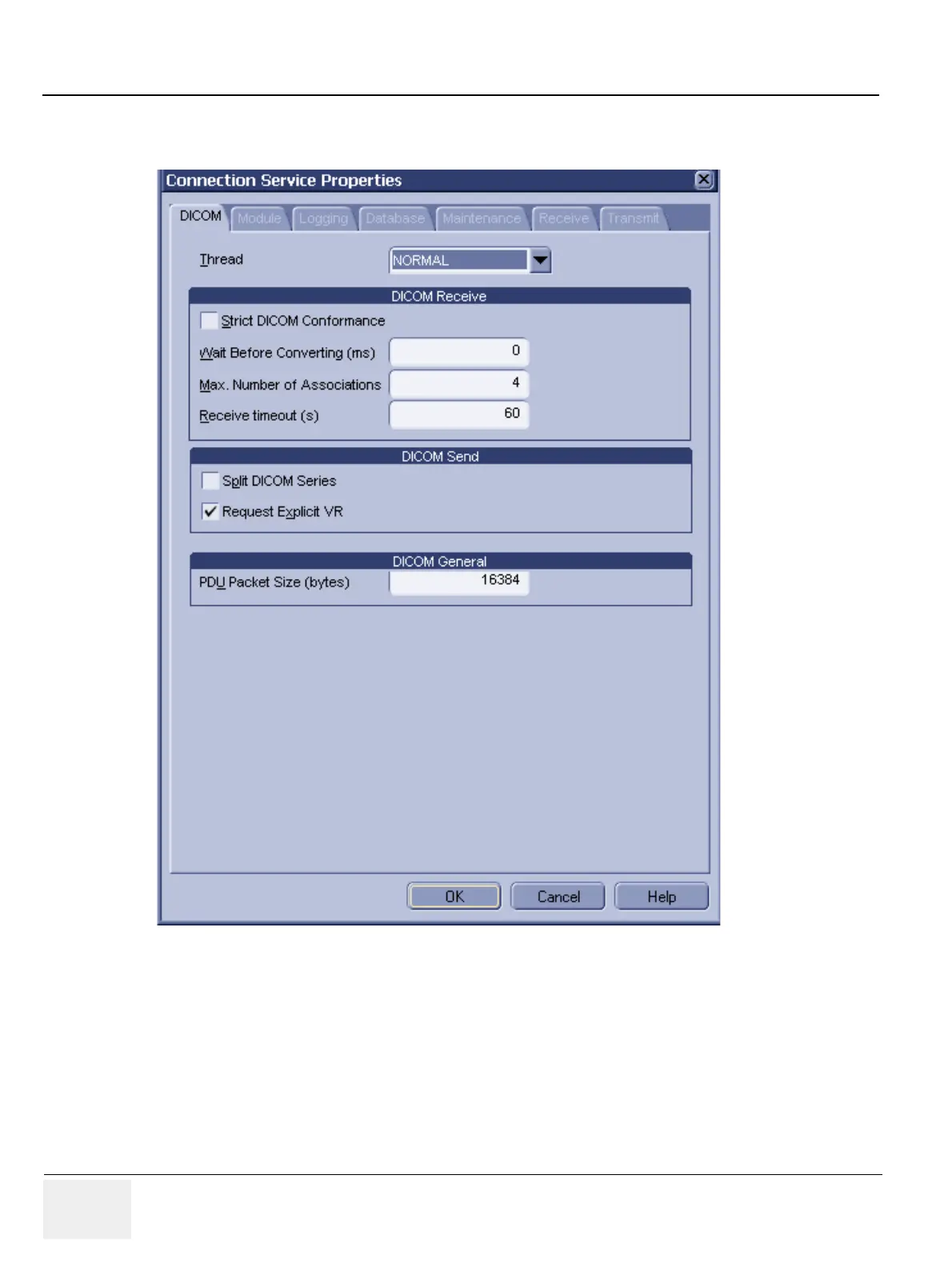
The settings are divided into a section for DICOM Receive, followed by a section for DICOM send. The
DICOM Application Entity Title and Port Number can be set in the DICOM tab in Generic System
configuration (please refer to Section 3-5-2-6 "DICOM settings" on page 3-87).
Thread Priority: Priority of the DICOM service thread within the Connection Service. Changing this
setting can influence the system performance. (Default: normal)
• DICOM Receive
- Strict DICOM Conformance: This flag can be used to force strict DICOM conformance when
receiving DICOM transfers from other systems. If images arrive that do not comply with strict
Figure 3-132 Connection Service Properties - DICOM (Default settings)



 To Next Page