GE MEDICAL SYSTEMS
D
IRECTION 5184024-100, REVISION 5 LOGIQWORKS® BASIC SERVICE MANUAL
Chapter 3 Installation 3-177
3-5-8-5 Viewing Buttons
To select the layout types to be previewed on the Print tool tab:
1.) Select Configuration > Print Service... from the Data Selector menu.
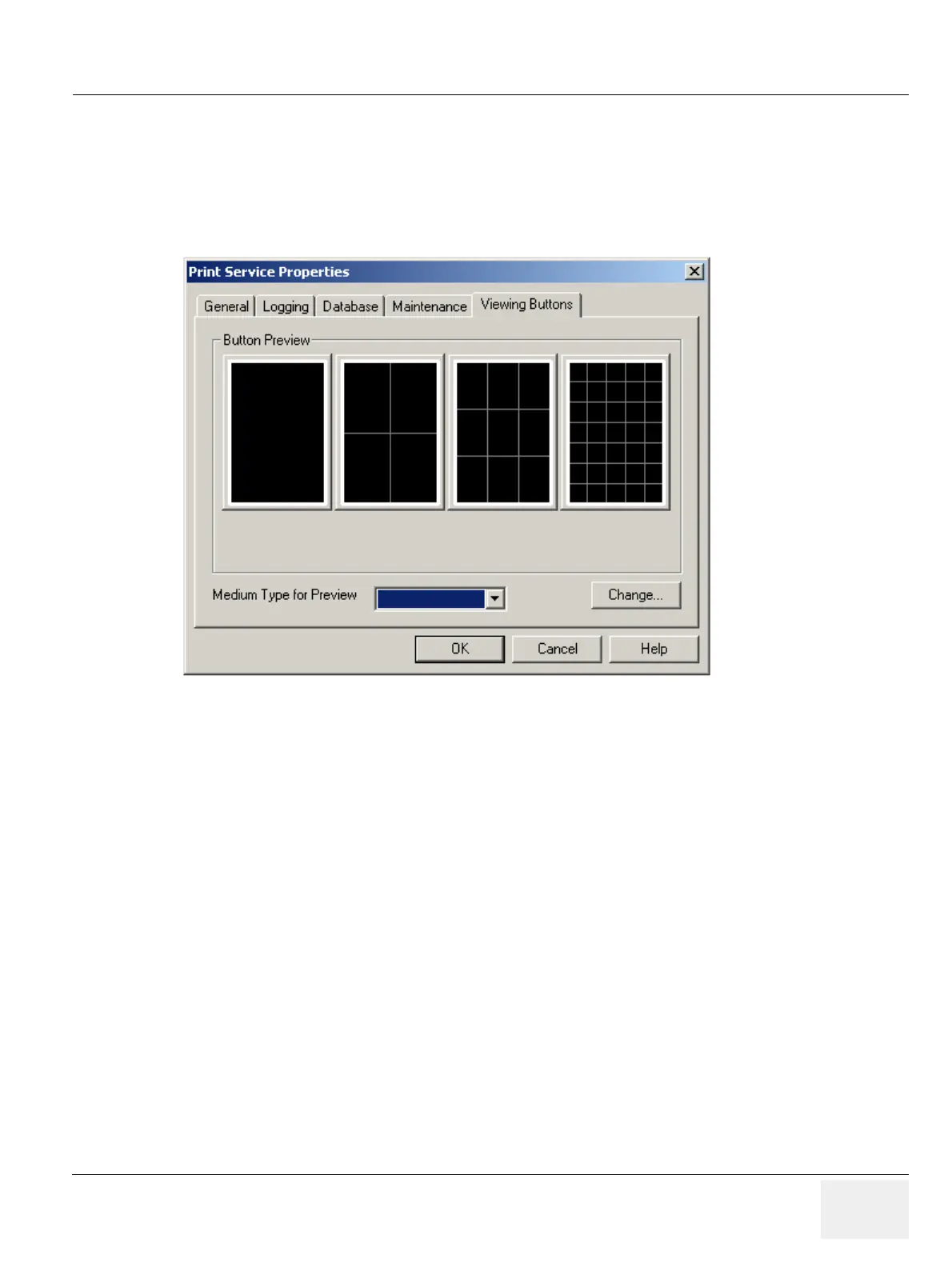
2.) Select the Viewing Buttons tab from the Print Service Properties page.
• Button Preview: A preview of the buttons that will appear on the Print tool tab in the Viewing
Section.
• Medium Type for Preview: Select a medium size from the drop-down list of common sizes.
LOGIQworks will use this size when creating the previews.
• Click on the Change... button to change the selection of layouts to be shown on the Print tool tab
in the Viewing Section.
Figure 3-150 Print Layout Types



 To Next Page