GE MEDICAL SYSTEMS
DIRECTION 5184024-100, REVISION 5 LOGIQWORKS BASIC SERVICE MANUAL
3-190 Section 3-5 - Configuration
3-5-10-3 Setting up auto-routing (cont’d)
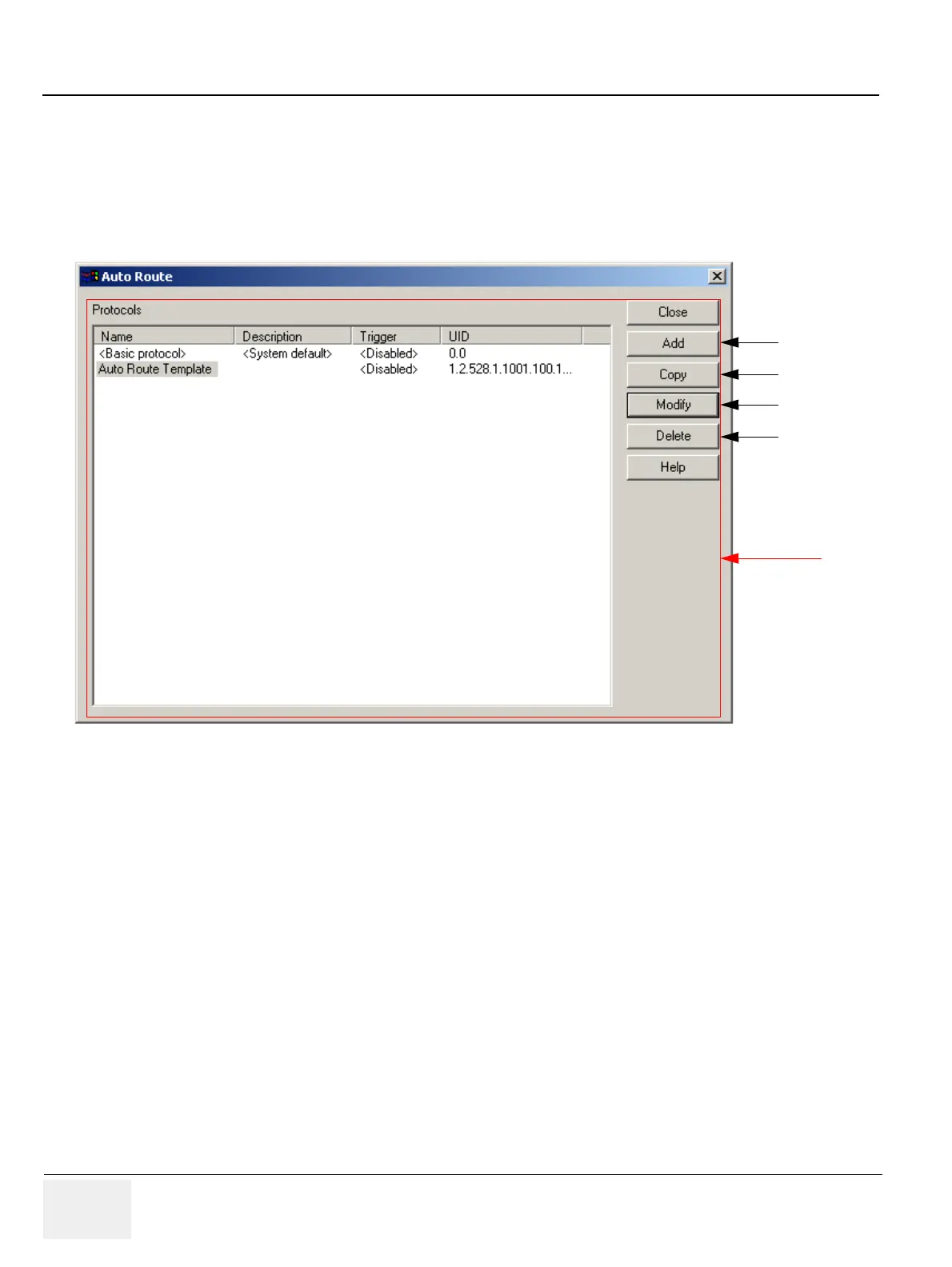
Even if no protocols have yet been added you will see the Basic Protocol. This is a simple autoroute
protocol installed with LOGIQworks that allows you to set up basic auto routing on your system. You
can modify the Basic Protocol but you cannot delete it.
1.) Select Configuration -> Auto Routing... from the menu bar in the Data Selector.
2.) Click the Add button to add a new auto route protocol.
3.) To set up an auto route protocol similar to an existing one, click on the first (Name) column of the
existing protocol to select it and click Copy.
4.) Then modify the newly created copy of the original protocol.
5.) To change an auto route protocol, click on the first (Name) column to select it and then on the
Modify button.
6.) Select an auto route protocol and click Delete to remove it from your system.
To modify an existing basic protocol:
1.) Click <basic protocol>, (in the Name column) and then Modify in the Auto Route dialog box.
Figure 3-163 Configuring basic auto route protocols
2.
3.
5.
6.
Administrator only;
non-admin users can
only edit
Basic Auto Routing



 To Next Page