GE MEDICAL SYSTEMS
DIRECTION 5184024-100, REVISION 5 LOGIQWORKS® BASIC SERVICE MANUAL
4-16 Section 4-3 - System Check
4-3-3-9 Monitoring the Send Process (cont’d)
4-3-3-10 Remote View
The filing tooltab lets you select which remote views will appear in the center of your screen.
1.) Select the filing tooltab.
2.) Check the box at the top of the section called Remote Views.
3.) In the area immediately below, you see a number of remote views which have been configured for
your system.
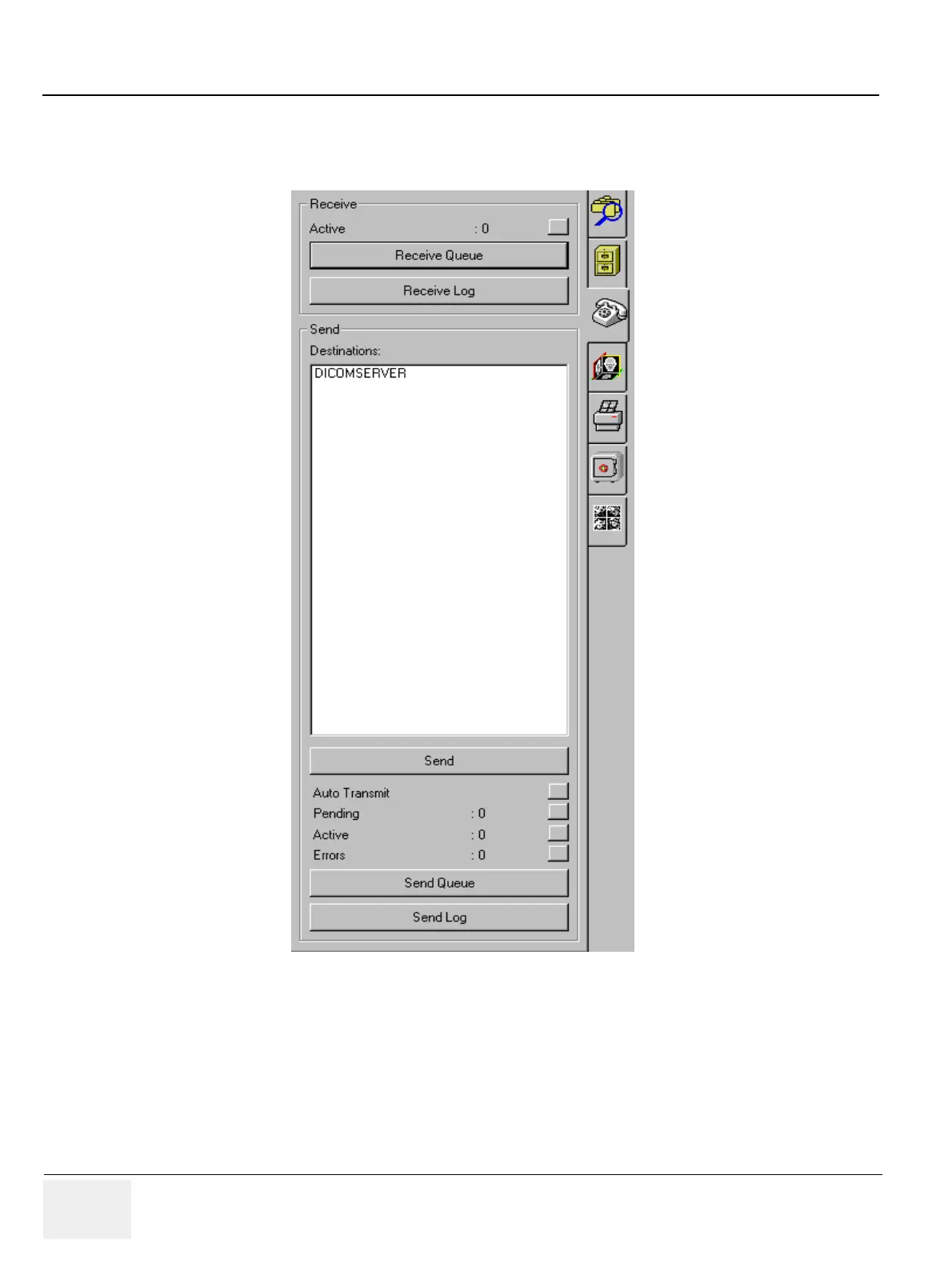
Figure 4-16 Send Queue



 To Next Page