GE MEDICAL SYSTEMS
DIRECTION 5184024-100, REVISION 5 LOGIQWORKS® BASIC SERVICE MANUAL
4-28 Section 4-4 - Healthpage
4-4-1 Healthpage for LOGIQworks up to Rev. 1.3 (cont’d)
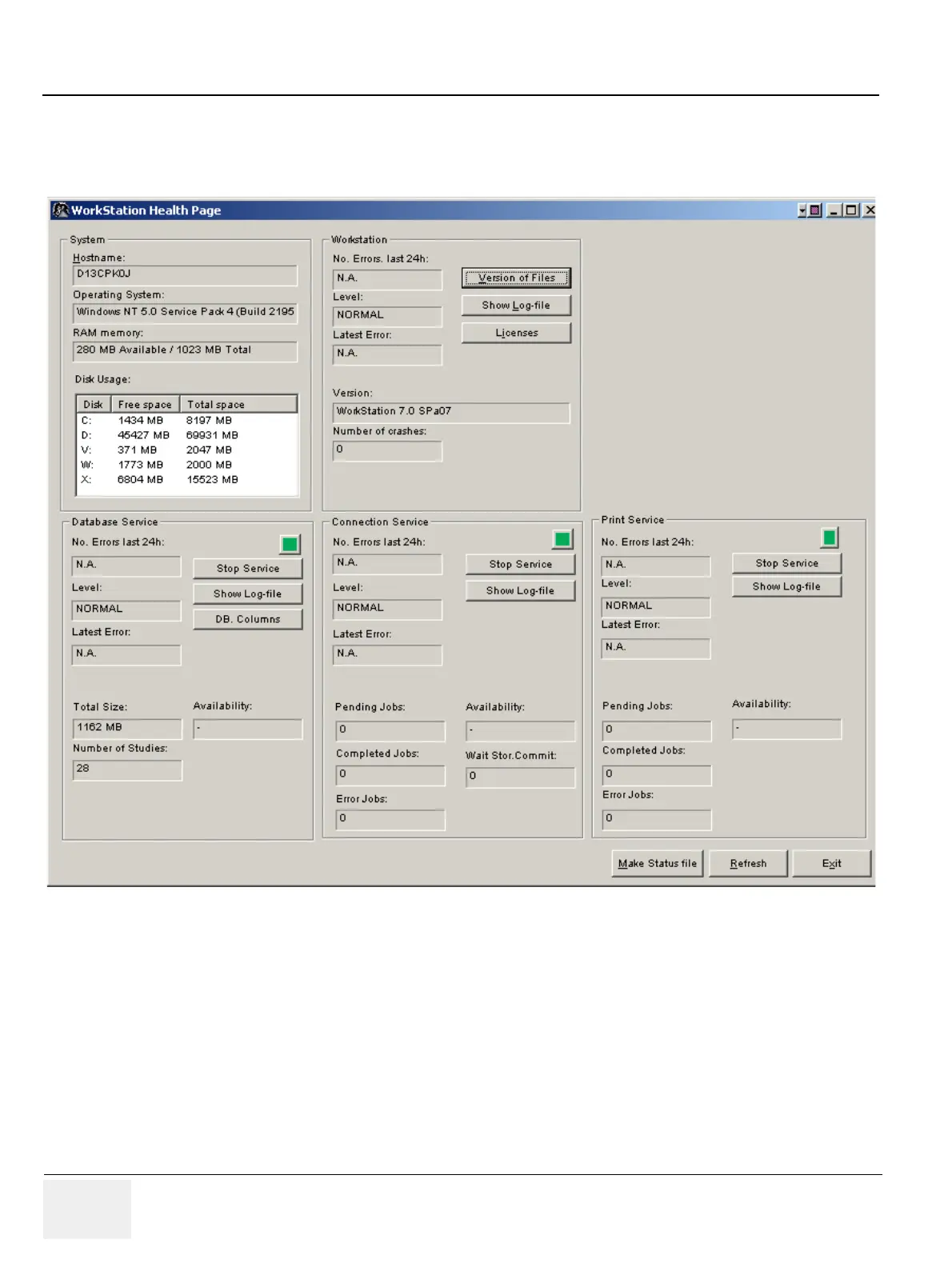
2.) The main window of 'Healthpage' appears.
3.) Start or stop a service
4.) The green light for each service shows that the service is running.
5.) Clicking the 'Stop service' or 'Start Service' button toggles that service is on or off.
Normally all services are running. In cases of updating the system or changing the license file, a manual
start of all services could be necessary. If the license file is valid, all services start up automatically after
reboot.
Figure 4-31 Healthpage Window



 To Next Page