GE MEDICAL SYSTEMS
DIRECTION 5184024-100, REVISION 5 LOGIQWORKS BASIC SERVICE MANUAL
8-8 Section 8-2 - FRU Replacement Procedure
8-2-4 LCD Monitor Replacement Procedure
8-2-4-1 Preparations
• Shut Down and turn Off the PC as described in chapters 3 and 4.
8-2-4-2 Monitor Removal
1.) Switch OFF the Monitor.
2.) Disconnect the Monitor Power cable from the wall outlet.
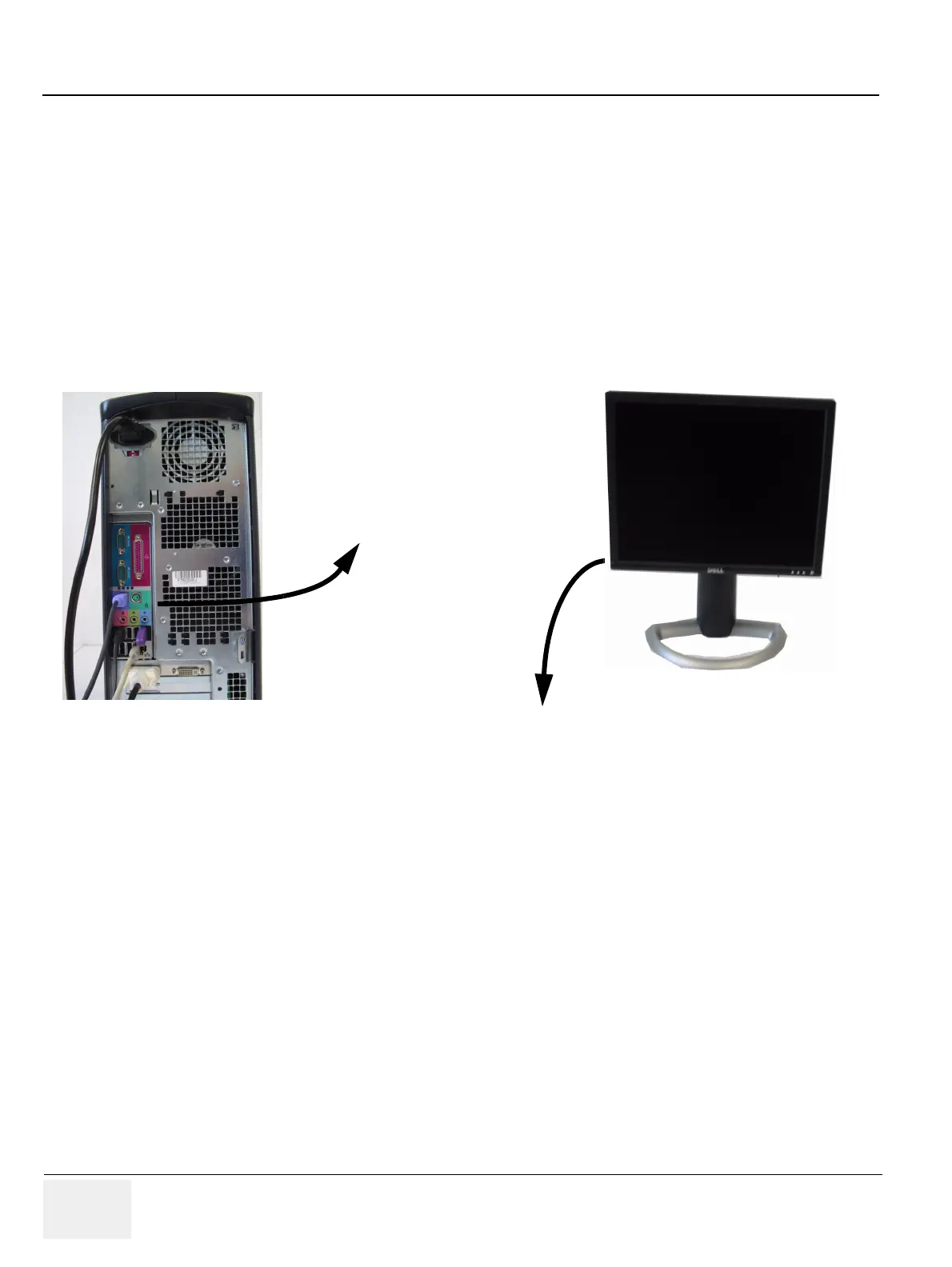
3.) Disconnect the Monitor Signal cables from the PC.
4.) Remove the Monitor.
Figure 8-7 Monitor disconnection and removal
Disconnect
Remove



 To Next Page