GE MEDICAL SYSTEMS
D
IRECTION 5184024-100, REVISION 5 LOGIQWORKS BASIC SERVICE MANUAL
Chapter 10 Quality Assurance 10-9
10-6-4-1 Backup (cont’d)
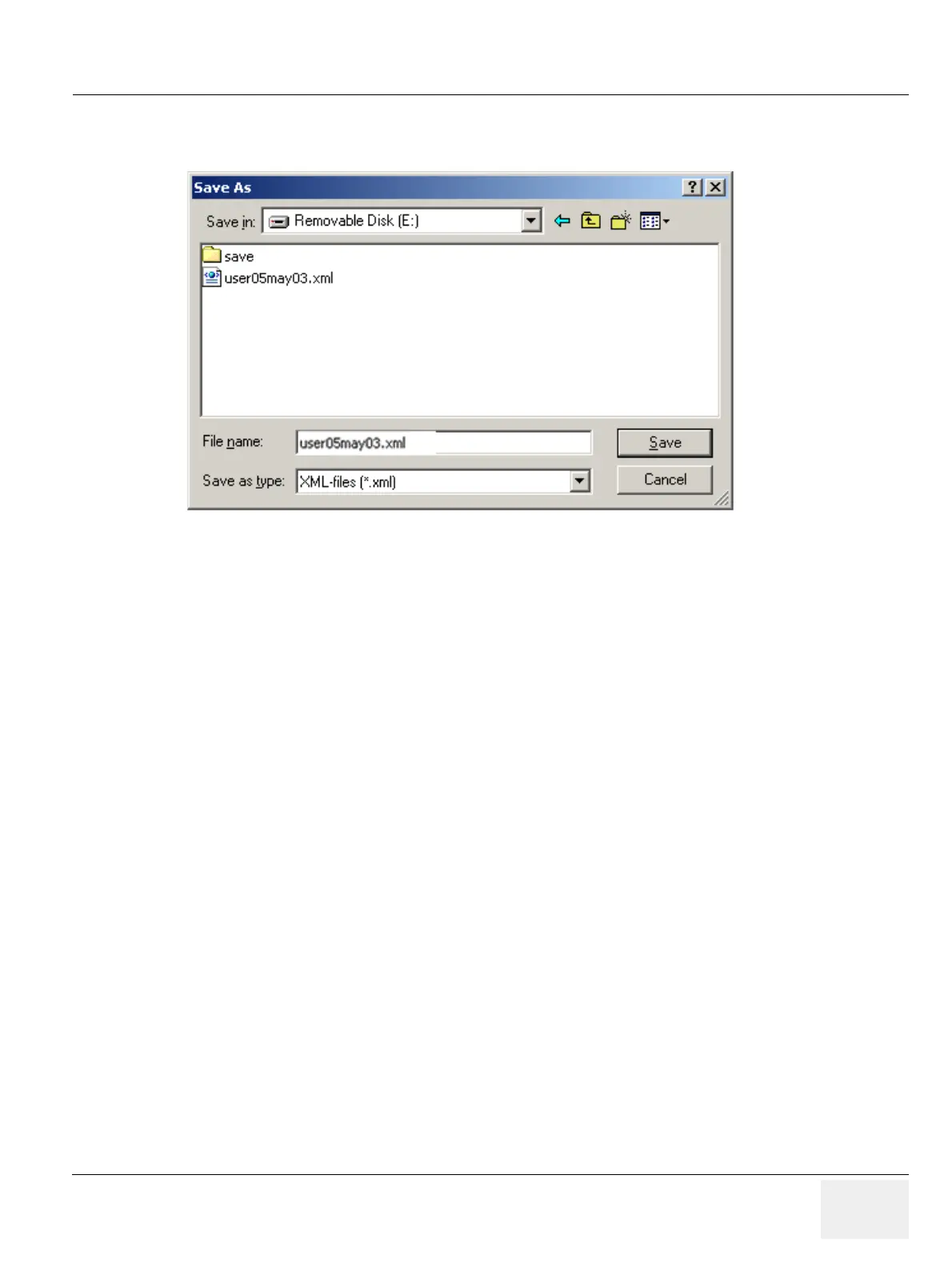
3.) Enter a valid device (use the USB mass storage device).
4.) Enter a file name for the user settings.This file name should reflect the date and the type of settings
you are storing. In this case: user settings.
5.) Click “save”.
To save system settings:
1.) Click on “RadWorks System”.
Figure 10-4 RadWorks User Settings - Save


 To Next Page
 Loading...






