Memory Switch (Service Class) SC201(1900A/1903A)
42
Attention: Please be very careful when you decided to restore the setting, for the
former setting will be replaced. If you get any question about this, please
contact the technology support for help and conduct the default setting
following his or her instruction.
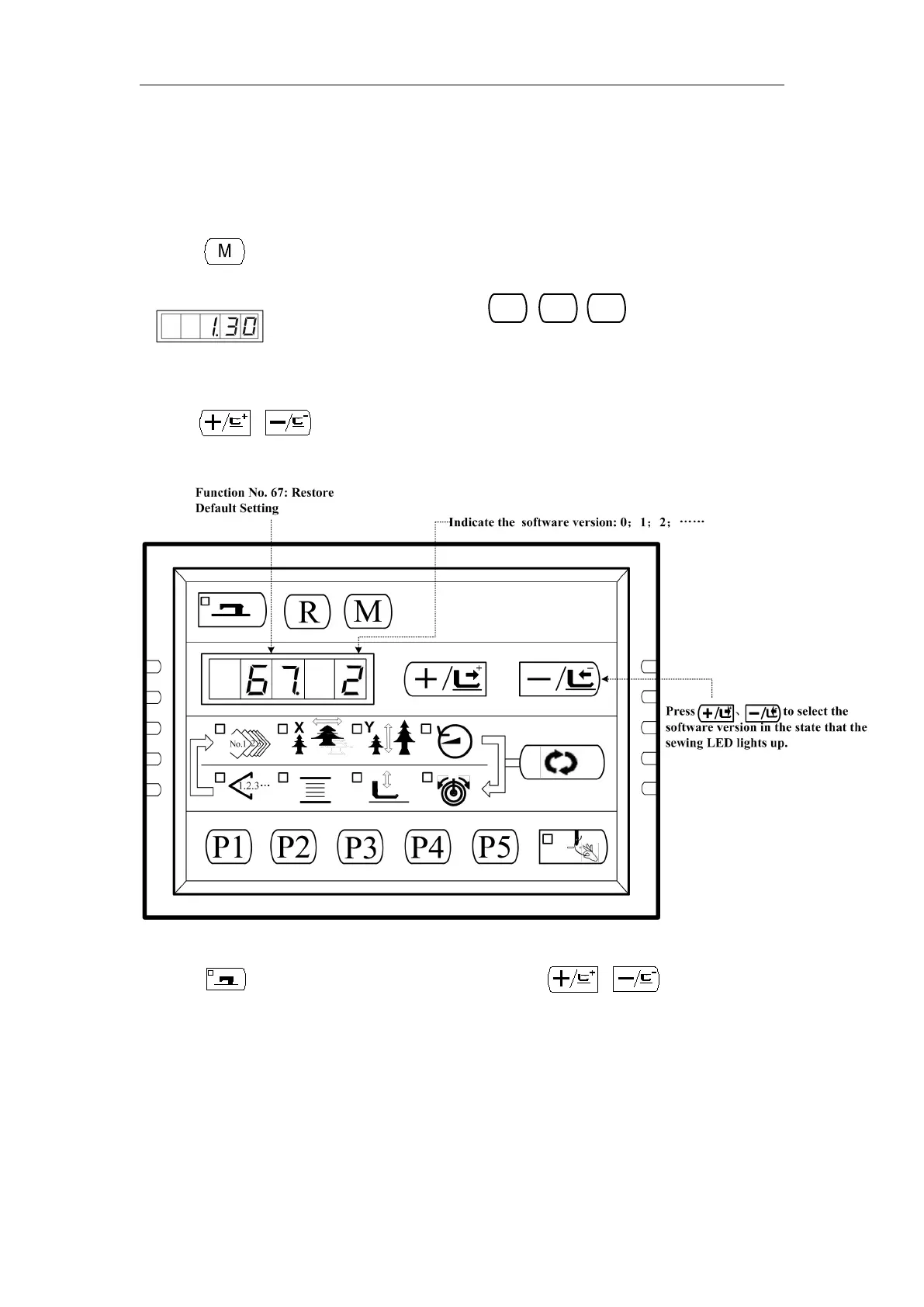
Follow this steps to restore the default setting:
1) When key is pressed in the state that the sewing LED is put out, the memory
switch setting mode is obtained and
simultaneously, and you will hear the buzzer ring. After that you have started the
memory switch and you are allowed to change the settings.
2) Press or key to select function NO.67:
3)Press key to light up the sewing LED. Then press or key to select
the software version:



 To Next Page