SC201(1900A/1903A) Memory Switch (Service Class)
43
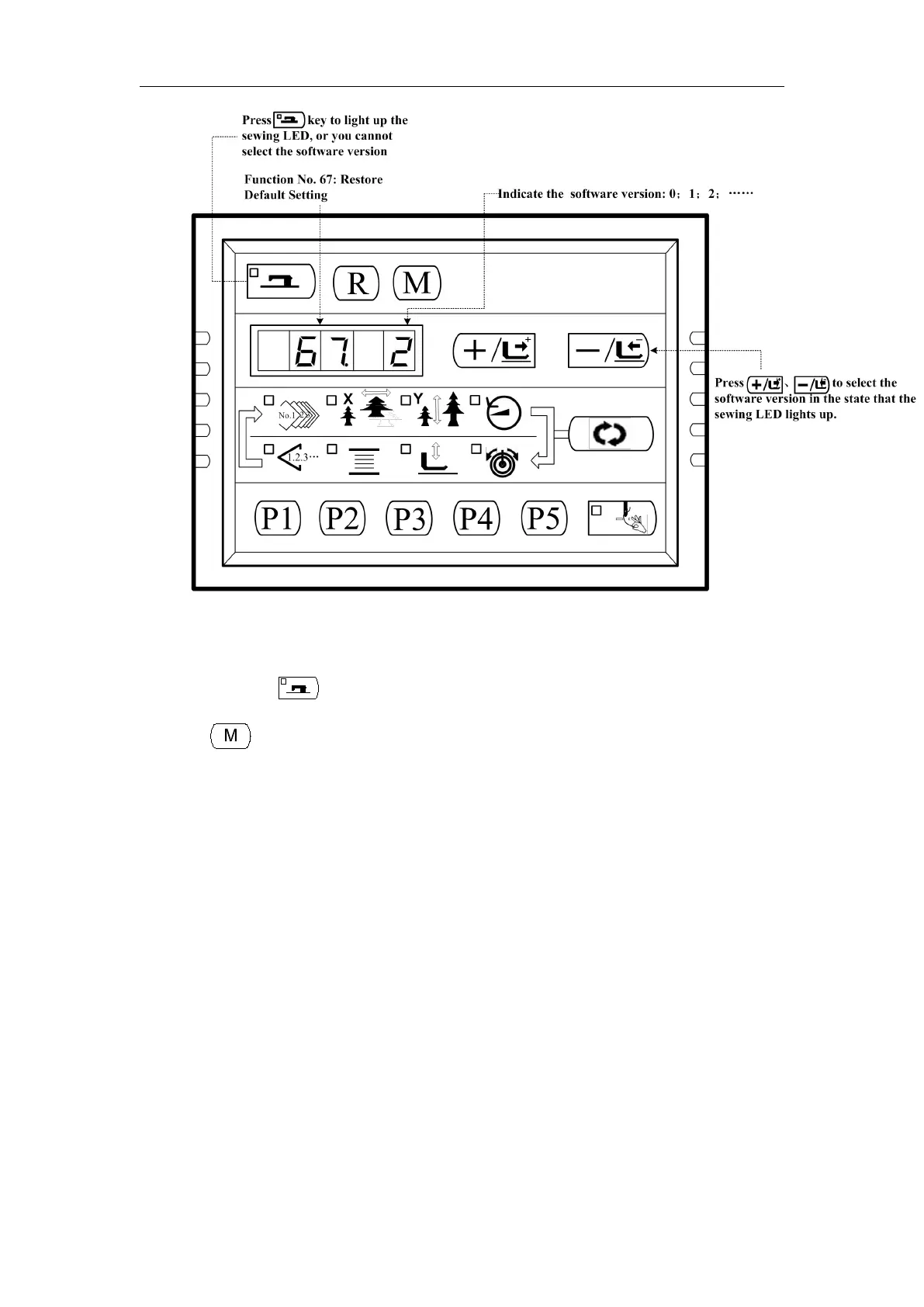
4) For instance, the present software version is 2, then you can chose version 1 or 0 for
restoring. The version you chose for restoring must be lower than the present software
version.. Press key to confirm and the sewing LED goes off.
5) Press key to exit and return to the normal state.
6) Power off. 1 minute later, turn ON the power and wait for 20 seconds. The restoring
process will automatically starts up. Then the screen lights up to indicate that the
process is finished.
7) After restoring, the present software version will automatically change to be the highest.
For example, the default software version is 0 and 1, and after restoring, the present
software version will be 2 in order to keep the default software version number.



 To Next Page