Chapter 4 Boot and Configuration
Introduction
This chapter describes how to perform initial system boot and basic configuration of the Hillstone
SG-6000 X-Series device, using a PC as the console terminal.
Establishing a Configuration Environment
The SG-6000 X-Series device supports both local and remote configuration. Administrators can
use the following configuration methods.
l Console (CON) connection
l WebUI
l Telnet or SSH
Console (CON) Connection
For initial system configuration, you have to establish a Console connection environment (con-
nect the device to a configuration terminal through its Console port). To connect the PC to the
CON port of the device, take following steps:
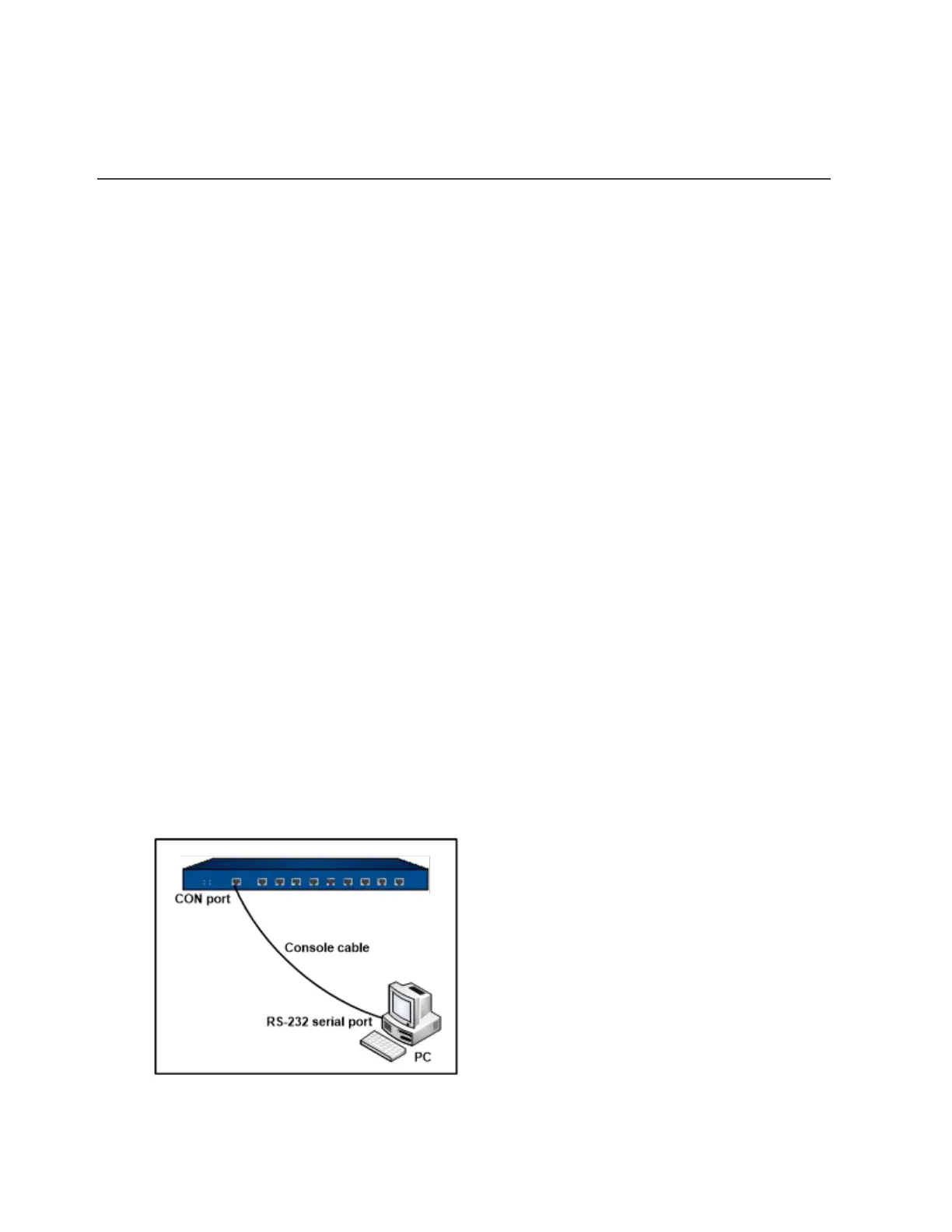
1. Set up a local configuration environment. Connect the Console port to the serial port of a
PC through a console cable, as shown in the figure below:
Chapter 4 Boot and Configuration 182


 To Next Page
 Loading...