2 - 60
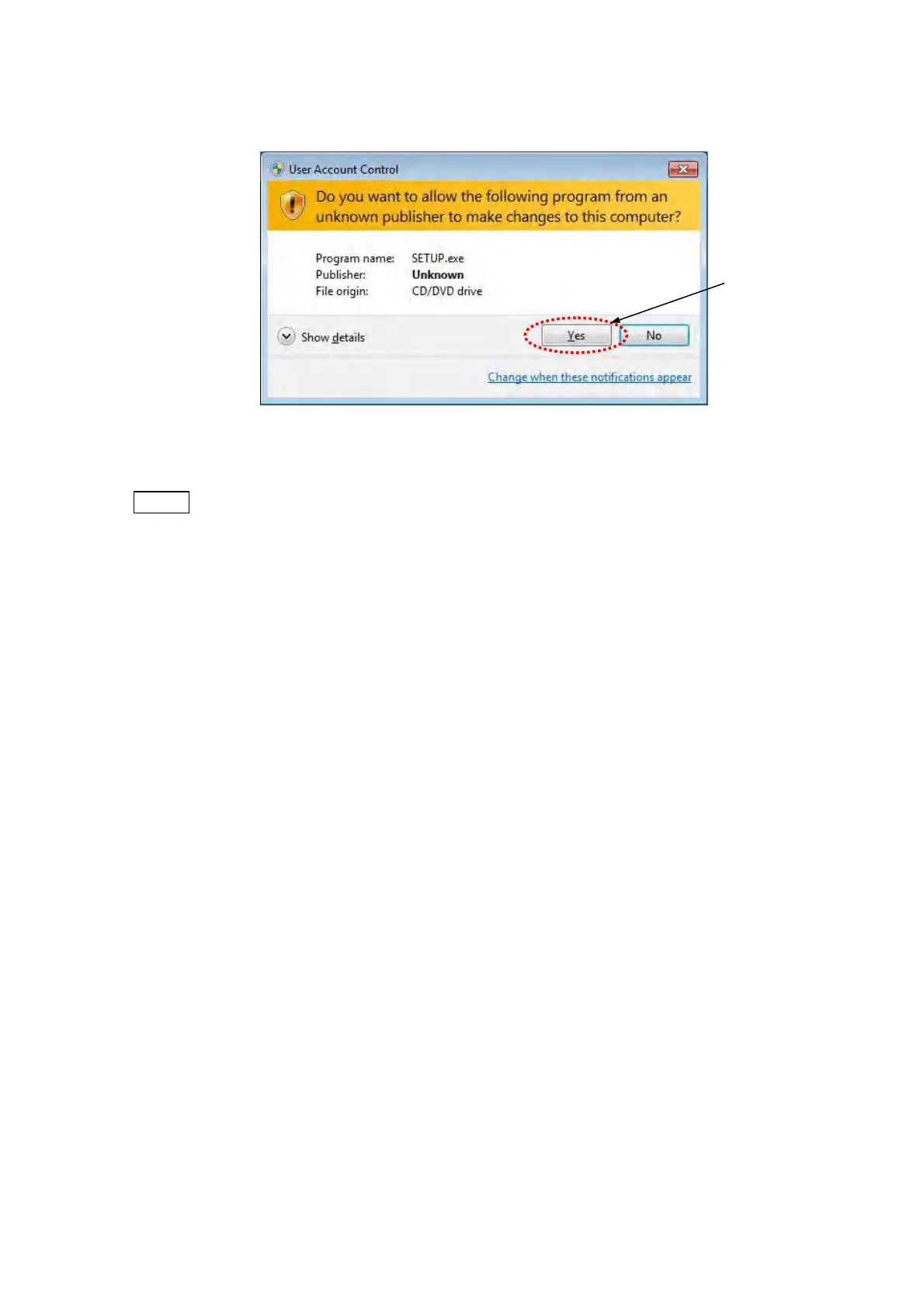
1h. When the following window appears, click the [Yes] button.
Figure 2.5.2-8 User Account Control Window
NOTE
: When the TM3030Plus application program (Setup.exe) is installed with the
TM3030Plus Setup Tools, the User Account Control window does not appear
because the change of the setting has been permitted on the User Account Control
window upon the startup of the TM3030Plus Setup Tools.
Click



 To Next Page