2 - 61
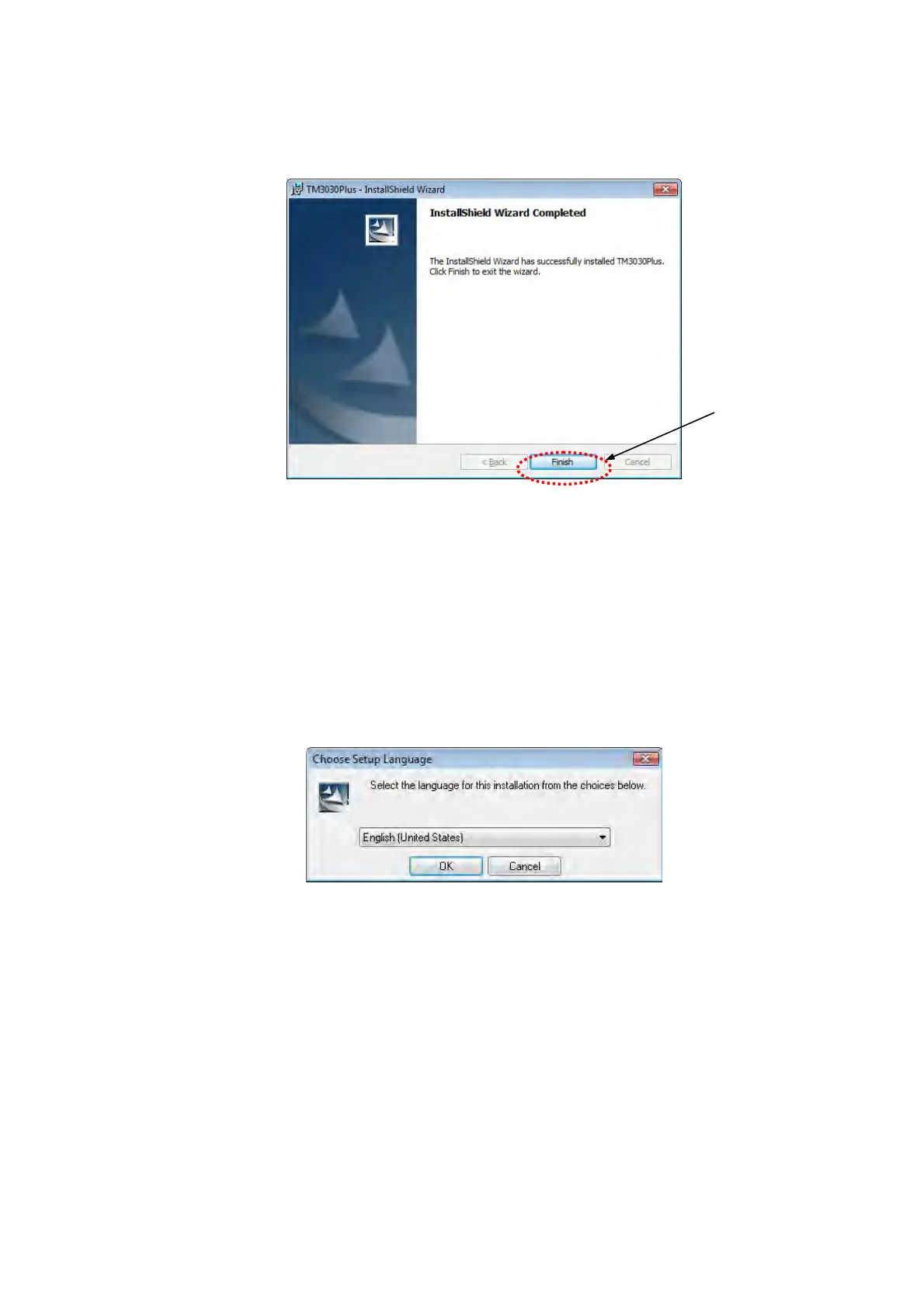
1i. When the installation finished, the following window appears. Click the [Finish]
button.
Figure 2.5.2-9 InstallShield Wizard Completed Window
2. Repairing
Use this function when installing the instruction manual of the same version as already
installed.
2a. The following window appears. Choose [English [United States]] and click the [OK]
button.
Figure 2.5.2-10 Choose Setup Language Window
Click



 To Next Page