4 - 50
3. Image Mode
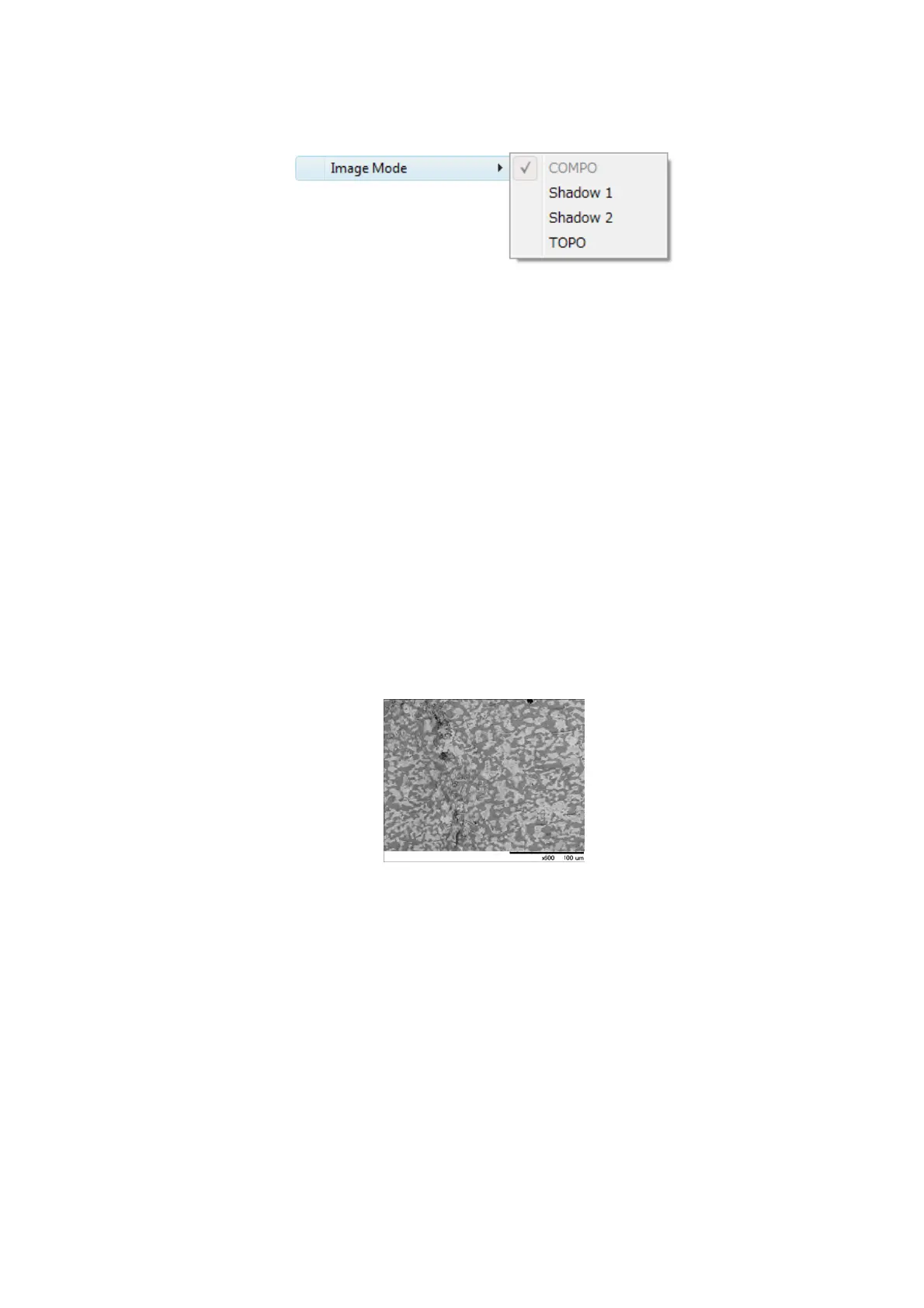
Figure 4.3.5-4 View Menu (Image Mode Menu)
[BSE] has four image modes.
Every time the system is turned on, [COMPO] is selected.
The following figures show observation images of a solder with the same field of view.
3a. COMPO
Select [COMPO] from the [Image Mode] menu. An image full of contrast including
composition distribution information of a sample can be observed. Brighter images
are available when the atomic number of a sample is relatively larger. In the image
shown below, the brighter part indicates lead (Pb), while the darker part indicates tin
(Sn).
When [COMPO] is selected, any mark is not displayed in the information area located
in the lower right part of the image observation area. (see 4.3.2)
Figure 4.3.5-5 Image Mode Settings (COMPO)
3b. Shadow 1
Select [Shadow 1] from the [Image Mode] menu to display an image illuminated from
the above.
Images emphasizing stereoscopic effect can be acquired.
When [Shadow 1] is selected, the [S] mark is displayed in the information area
located in the lower right part of the image observation area. (see 4.3.2)


 To Next Page