4 - 51
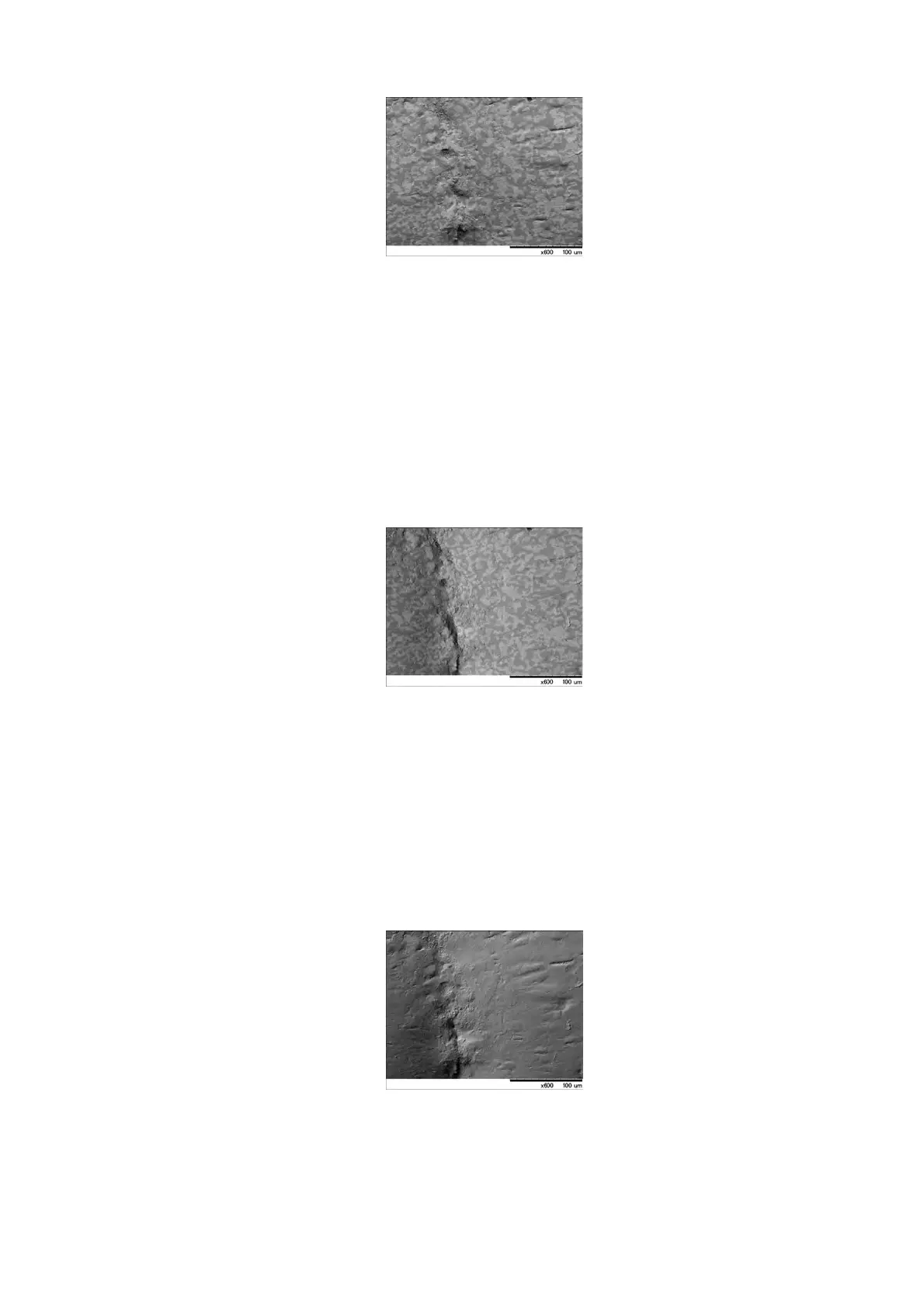
Figure 4.3.5-6 Image Mode Settings (Shadow 1)
3c. Shadow 2
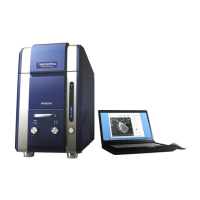
Select [Shadow 2] from the [Image Mode] menu to display an image illuminated from
the left.
Images emphasizing stereoscopic effect can be acquired.
When [Shadow 2] is selected, the [S] mark is displayed in the information area
located in the lower right part of the image observation area. (see 4.3.2)
Figure 4.3.5-7 Image Mode Settings (Shadow 2)
3d. TOPO
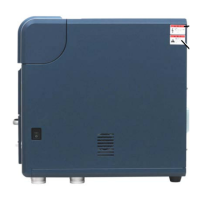
Select [TOPO] from the [Image Mode] menu. This mode is useful when the
topographic information is to be exaggerated.
When [TOPO] is selected, the [T] mark is displayed in the information area located in
the lower right part of the image observation area. (see 4.3.2)
Figure 4.3.5-8 Image Mode Settings (TOPO)


 To Next Page