4 - 55
5. Observation Mode
5a. Signal select-BSE
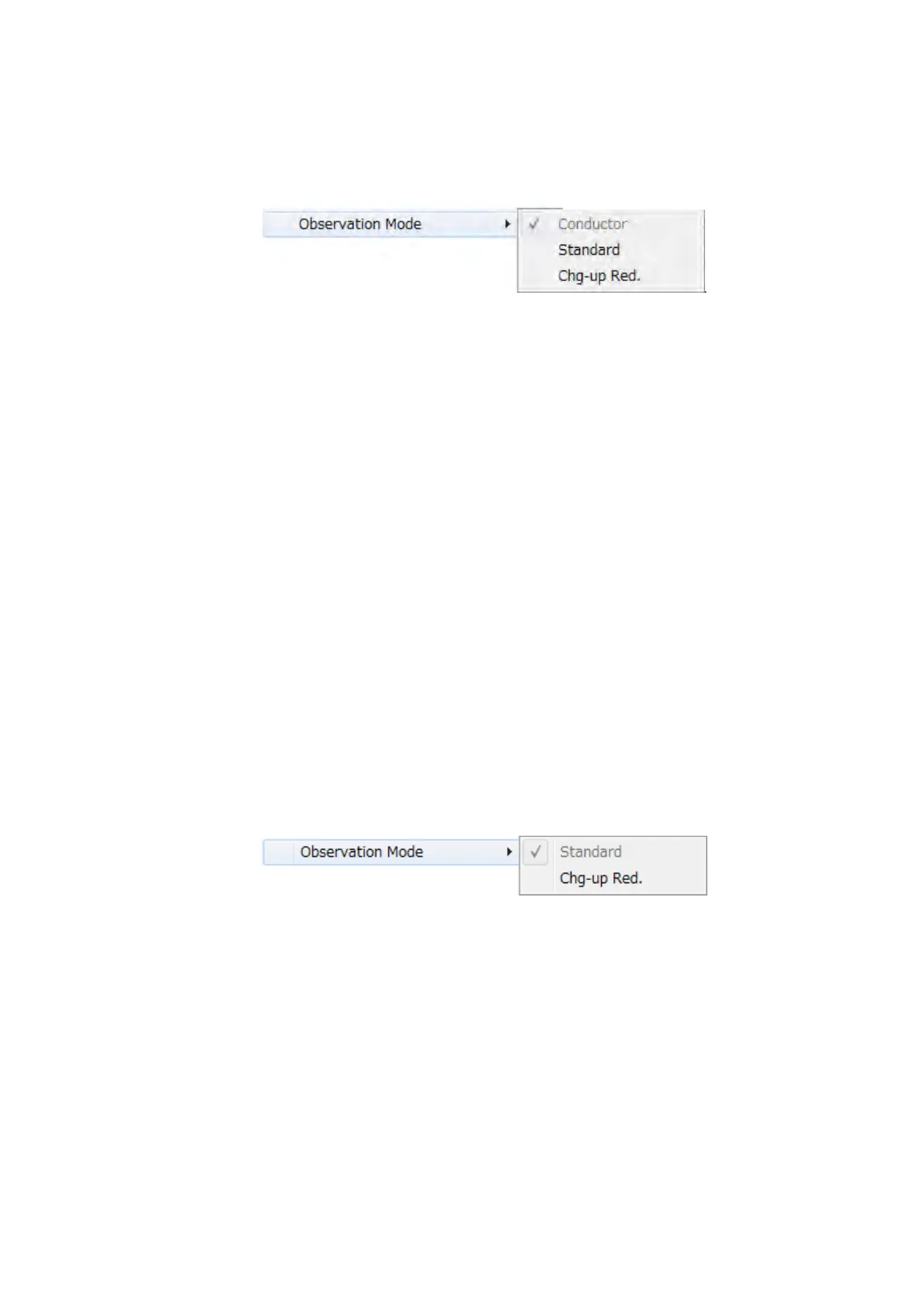
Figure 4.3.6-3 Setting Menu (Observation Mode Menu)
When [BSE] is selected, the three observation modes, such as [Conductor],
[Standard] and [Chg-up Red.], are displayed and become selectable.
Similarly, every time the [BSE] button in [Signal select / observation mode settings
area] is clicked, the observation modes can be switched.
For the details, refer to 4.3.13 Signal Select / Observation Mode Selection Button
Conductor
Suitable for observing conductive samples (e.g. metal materials, etc).
Standard
Suitable for observing conductive and non-conductive samples.
Chg-up Red.
When observing non-conductive samples in the [Standard] mode,
brightness/contrast can change over time (i.e. brightness change) or image can
look shifted unexpectedly (i.e. image deviation). In such cases, it is recommended
that the observation mode should be set to [Chg-up Red.].
5b. Signal select-SE/Mix
Figure 4.3.6-4 Setting Menu (Observation Mode Menu)
When [SE] or [Mix] is selected, the two observation modes, such as [Standard] and
[Chg-up Red.], are displayed and become selectable.
Similarly, every time the [SE] button or [Mix] button in [Signal select / observation
mode settings area] is clicked, the observation modes can be switched.
For the details, refer to 4.3.13 Signal Select / Observation Mode Selection Button.
Standard
Suitable for observing either conductive or non-conductive samples.



 To Next Page