4 - 56
Chg-up Red.
When observing non-conductive samples in the [Standard] mode, brightness /
contrast can change over time (i.e. brightness change) or image can look shifted
unexpectedly (i.e. image deviation). In such cases, it is recommended that the
observation mode should be set to [Chg-up Red.].
NOTE
: If an image is displayed with [Freeze] selected in [View mode settings area], the
observation mode is not selectable.
NOTE : Compared to [Conductor], the life of the filament can be shorten in [Standard] and
[Chg-up Red.].
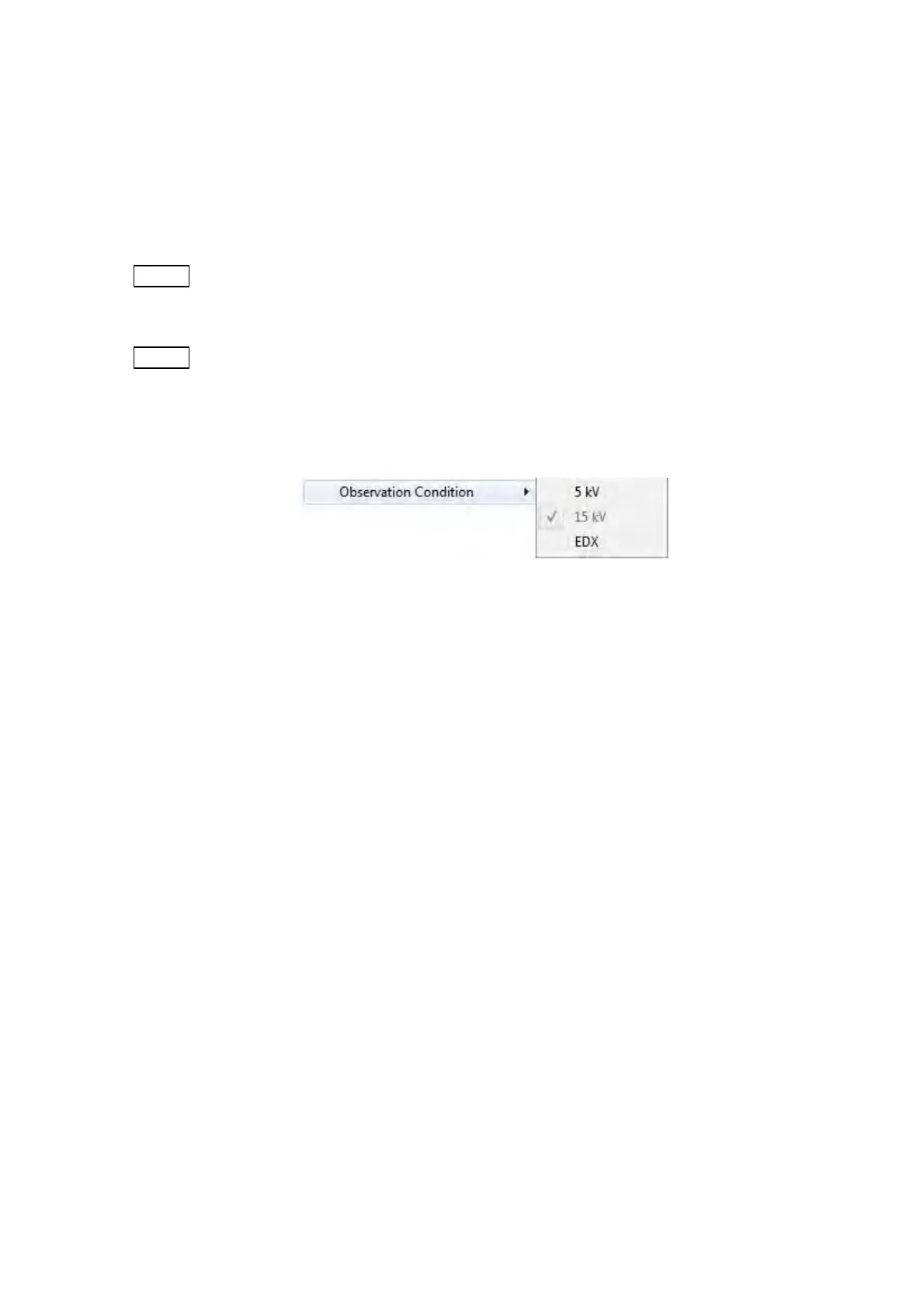
6. Observation Condition
Figure 4.3.6-5 Setting Menu (Observation Condition Menu)
The observation condition can be selected from [5 kV], [15 kV] and [EDX] in the
[Observation Condition] menu.
The Observation condition selection button operation on the operation window allows the
same process to be performed.
For the details, refer to 4.3.12 Observation Condition Selection Button.
6a. 5 kV
Well-suited for observing fine features on the specimen surface. [5 kV] can be
selected together with [Low mag.], [Middle mag.], or [High mag.]. (See 4.3.6.7) The [5
kV] button operation in [Observation condition settings area] allows the same process
to be performed.
6b. 15 kV
Produce sharply defined images at a high magnification. The [15 kV] button operation
in [Observation condition settings area] allows the same process to be performed.



 To Next Page