4 - 57
6c. EDX
Well-suited for observing specimens that do not produce adequate brightness /
contrast levels. Select [EDX] for EDX analysis in addition to general sample
observation.
The [EDX] button operation in [Observation condition settings area] allows the same
process to be performed.
NOTE
: Changing the observation condition settings can adversely affect the beam axis
conditions. In such a case, perform beam axis adjustments.
For the details, refer to 5.2 Beam Axis Alignment.
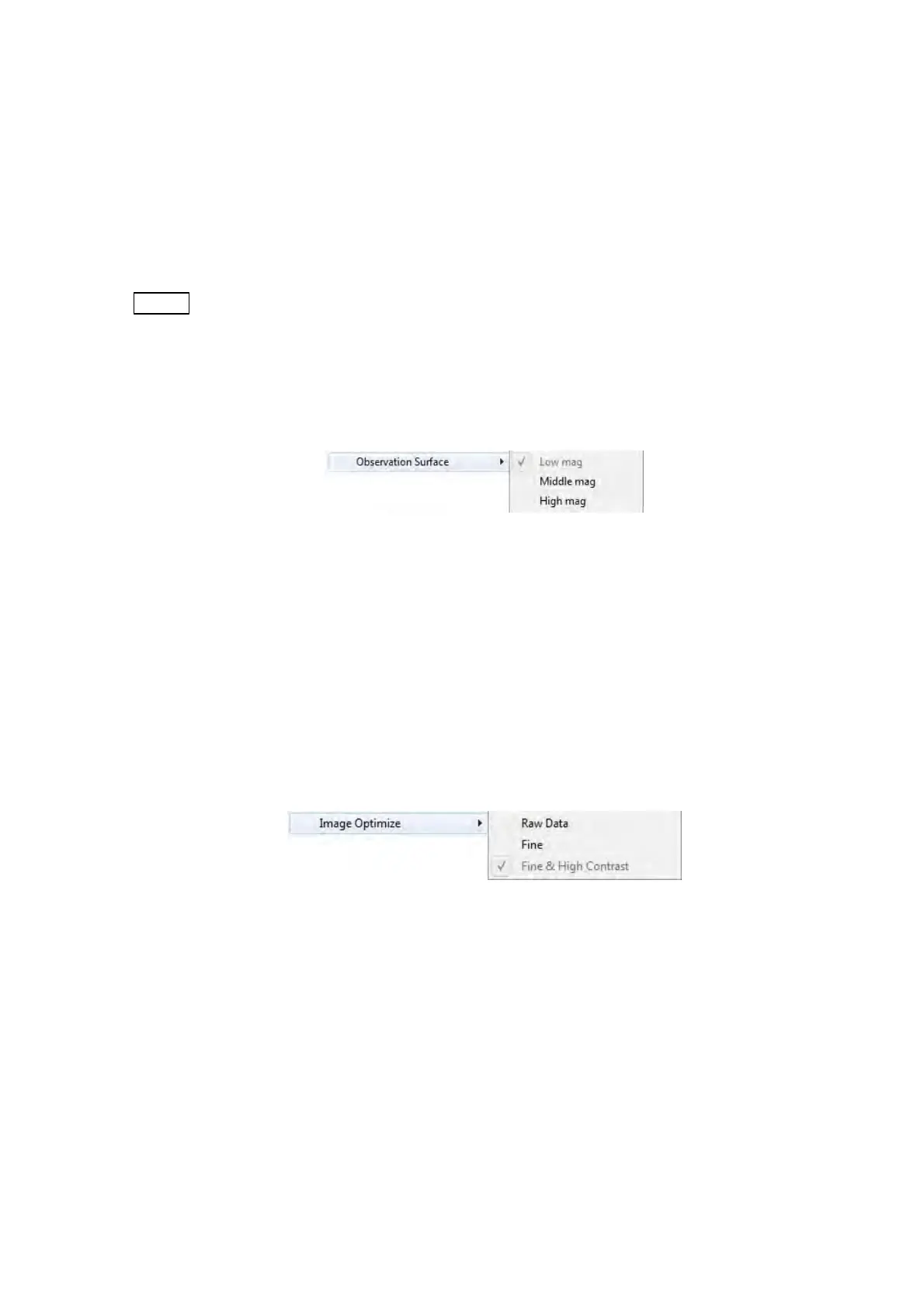
7. Observation Surface
Figure 4.3.6-6 Setting Menu (Observation Surface Menu)
[5 kV] of the Observation condition can be selected along with [Low mag.], [Middle mag.]
or [High mag.] Similarly, every time the [5 kV] button operation in [Observation condition
settings area] is clicked, [Low mag.], [Middle mag.] and [High mag.] can be switched in
order.
For the details, refer to 4.3.12 Observation Condition Selection Button.
8. Image Optimize
Figure 4.3.6-7 Setting Menu (Image Optimize Menu)
Optimizes an image to be saved when executing image save. This function does not
apply to a live display image.
Image optimize has the following three functions:



 To Next Page