4 - 58
8a. Raw Data
Captures raw data of an image without optimizing the image. This is a default setting.
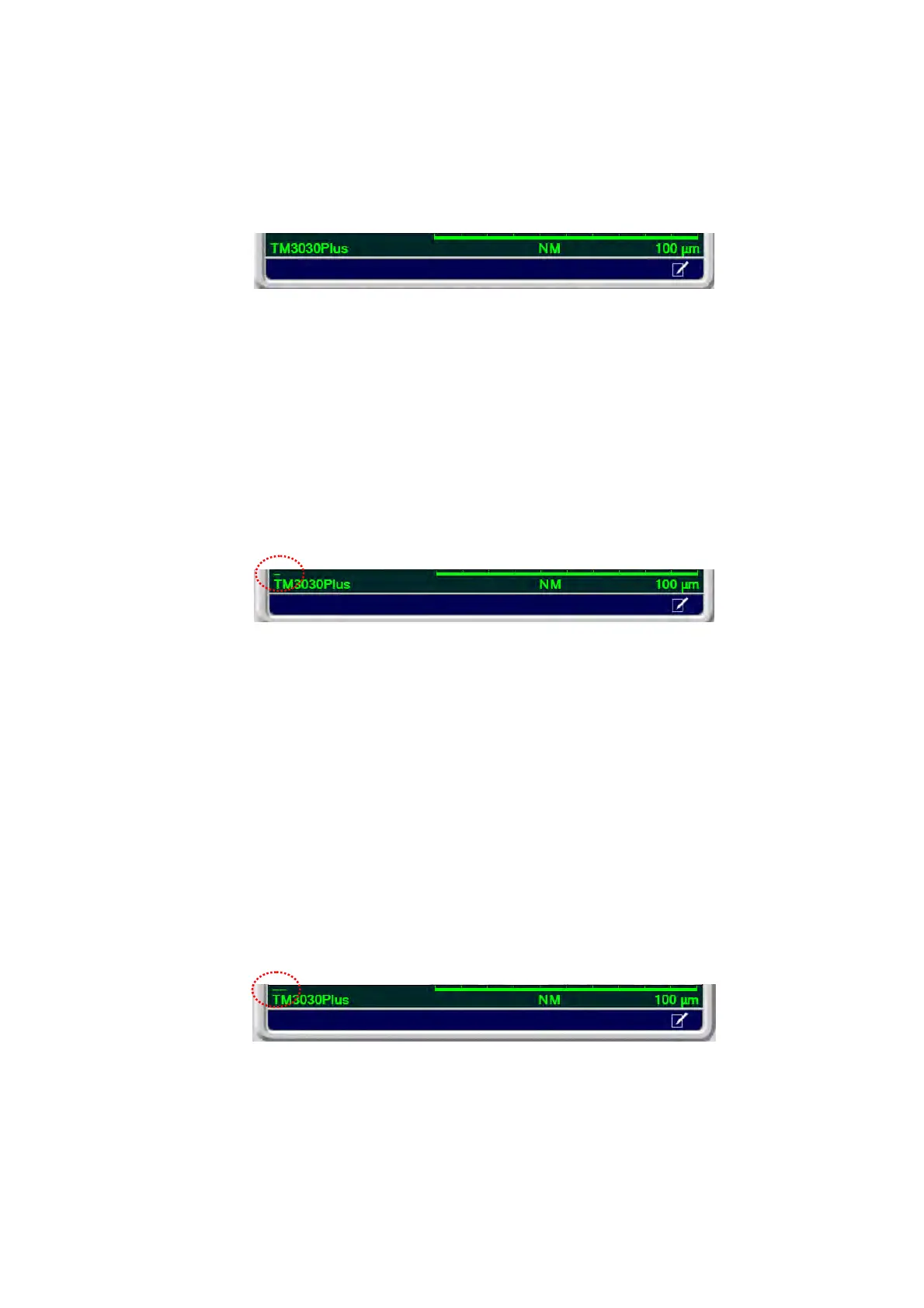
When [Raw Data] is selected, the [-] mark is not displayed in the upper left part of the
information area located in the lower right part of the image observation area.
Figure 4.3.6-8 Information Area Display (Raw Data)
8b. Fine
Optimizes an image automatically, reducing an image blur and sharpening its outline.
When executing [Quick Save] or [Save] with [Fine] selected, an optimized image is
captured and displayed in the image observation area.
When [Fine] is selected, the [-] mark is displayed in the upper left part of the
information area located in the lower right part of the image observation area.
Figure 4.3.6-9 Information Area Display (Fine)
8c. Fine & High Contrast
Optimizes image automatically to capture the image having less blur, sharpened
outline and high-contrast. This is effective for low-key condition such as the [Chg-up
Red.] mode or [5 kV].
When executing [Quick Save] or [Save] with [Fine & High Contrast] selected, an
optimized image is captured and displayed in the image observation area.
When [Fine & High Contrast] is selected, the [--] mark is displayed in the upper left
part of the information area located in the lower right part of the image observation
area.
Figure 4.3.6-10 Information Area Display (Fine & High Contrast)



 To Next Page