4 - 77
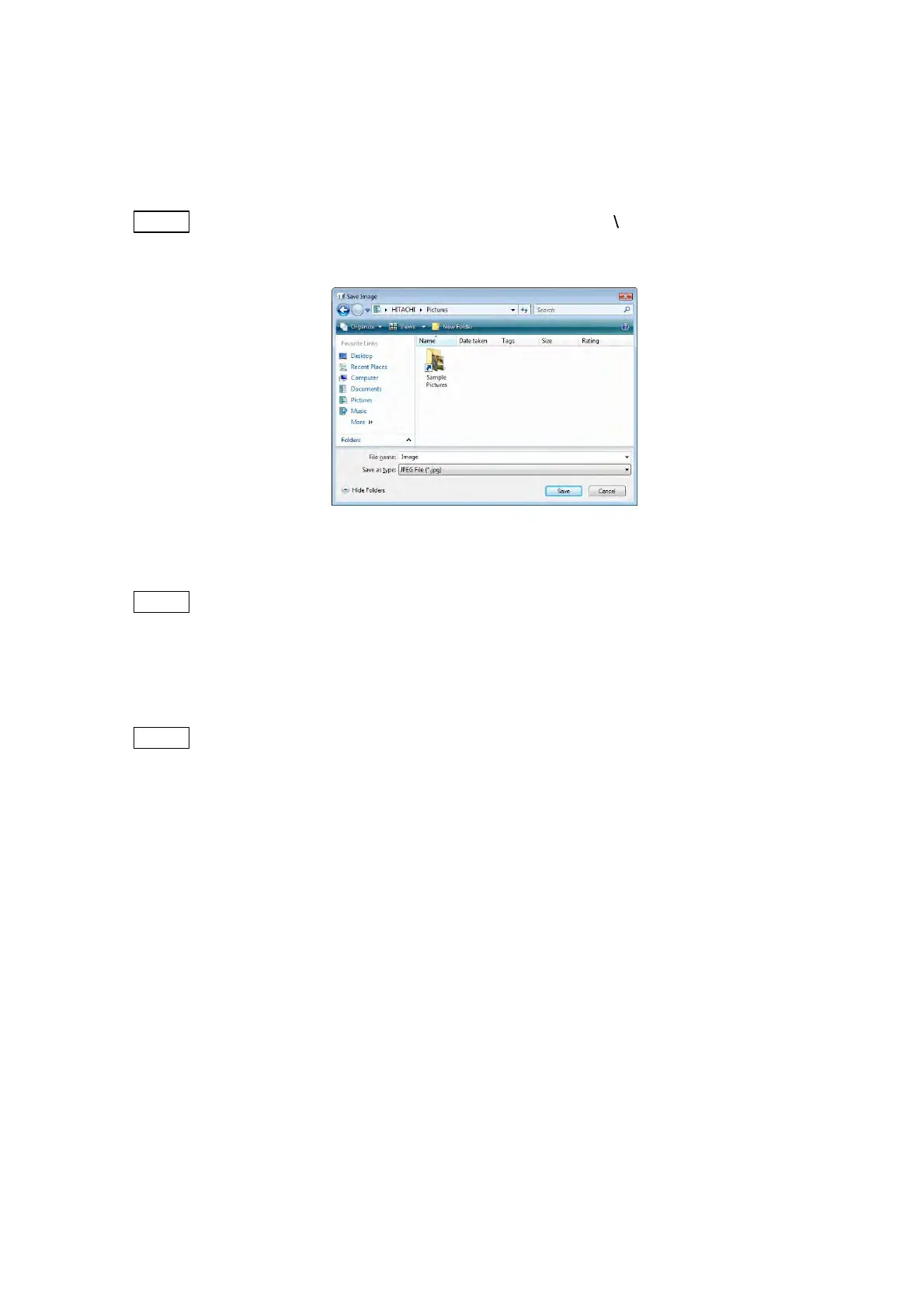
3. After image capture, the Save Image window appears. Select the saving destination,
enter the file name, and select the file type to save the image data. When not saving the
file, click the [Cancel] button.
NOTE
: Any of the characters cannot be used in a file name: [ / : ; * ? " < > | ! ' &]
(half-width characters).
Figure 4.3.15-4 Save Image Window
NOTE
: The items previously selected in the Setting for Save window (see Figure 4.3.28)
are displayed in the Information / comment area (see 4.3.2). To modify the
condition, click the [Edit] button (see 4.3.25) or select [Setting for Save] from the
[File] menu.
NOTE
: Once an image is saved, [Quick Save] cannot be executed. To do [Quick Save],
change the View mode to other than [Freeze].



 To Next Page