4 - 100
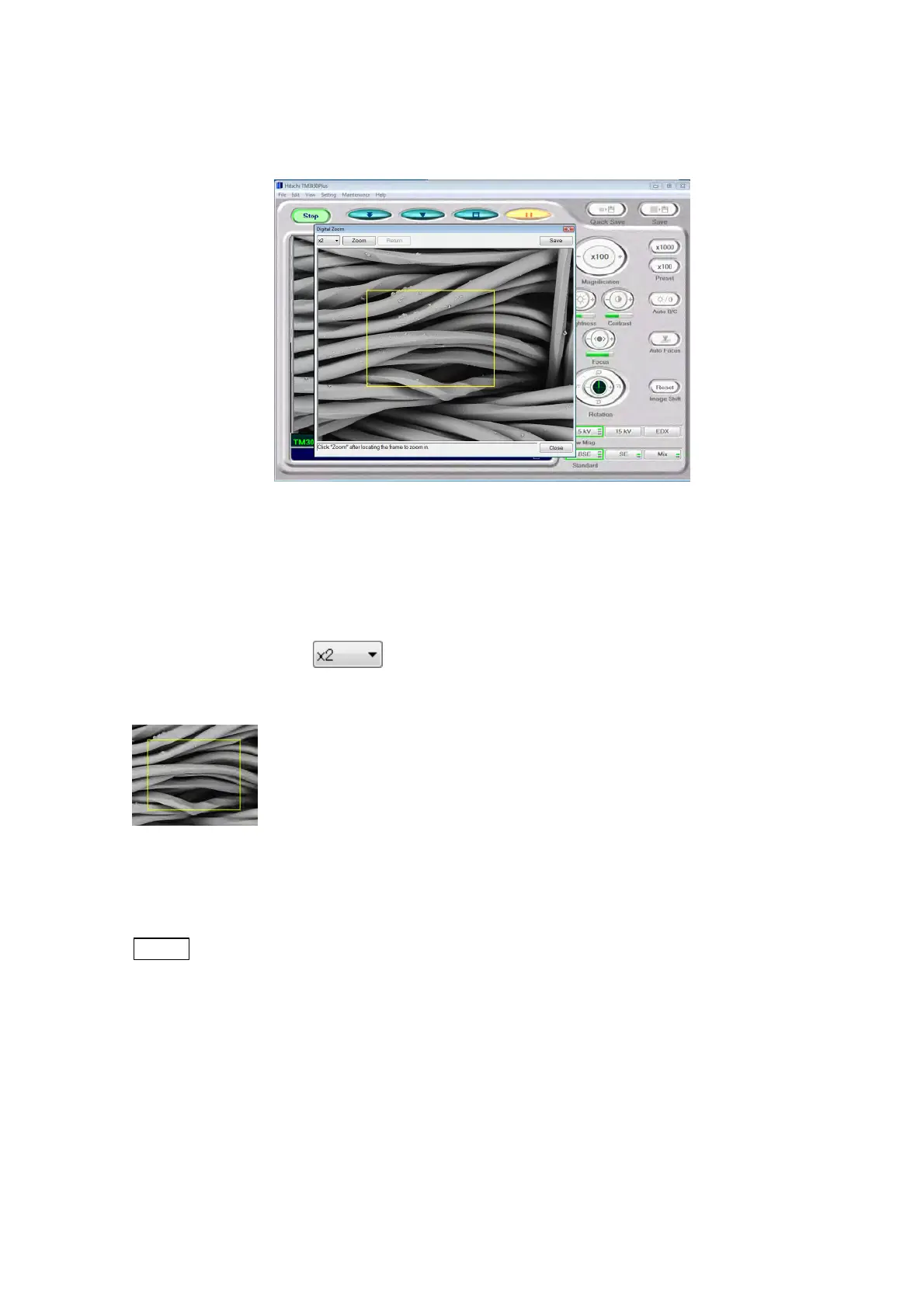
2. Upon termination of the image capture process, the dialog disappears, and the Digital
Zoom window is displayed.
Figure 4.3.30-3 Digital Zoom Window
3. Click [Zoom] after specifying a zoom magnification and a zoom location, and a digital
zoom image is displayed.
Zoom magnification :
Select a digital zoom magnification (2x or 4x) from the pull down list box.
Zooming location specification frame:
Using a frame, specify the location where digital zooming is to be performed. The frame
displayed on the Digital Zoom window can be moved by mouse-dragging operation.
NOTE
: The size of the frame varies with the zooming magnification.



 To Next Page