4 - 101
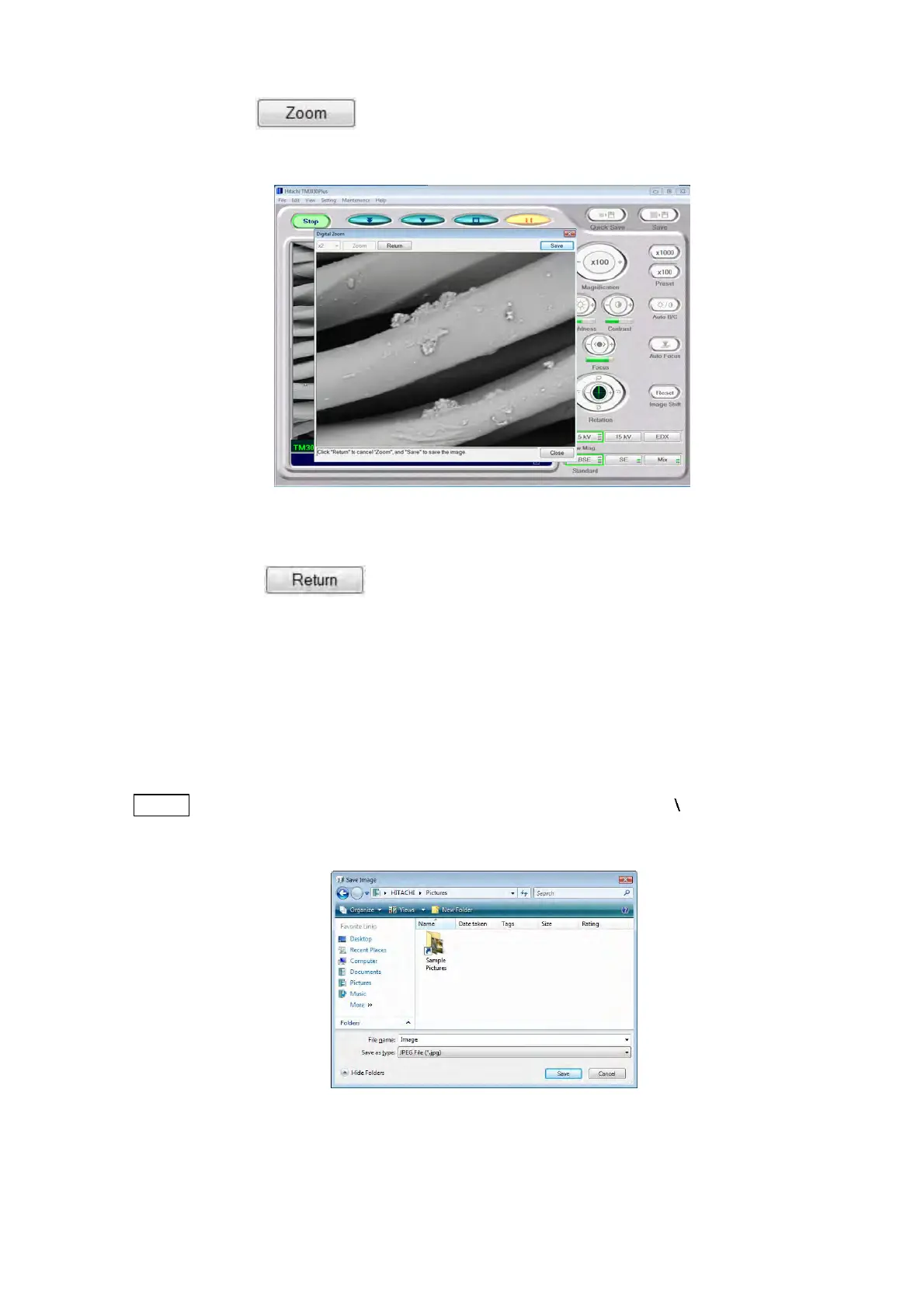
Zoom button :
Executes digital zooming. This button is disabled when the display image is being zoomed.
Figure 4.3.30-4 Digital Zoom Execution Window
Return button :
Resets the Digital Zoom magnification to the original magnification. This button is enabled
when the display image is being zoomed.
4. Click [Save] to save the digital zoom image. As a Save Image window appears, enter the
file name, and select the destination of save and the file type. If not saving the image,
click the [Cancel] button.
NOTE
: Any of the following characters cannot be used in a file name: [ / : ; * ? " < > | ! ' &]
(half-width characters).
Figure 4.3.30-5 Save Image Window



 To Next Page