5 - 16
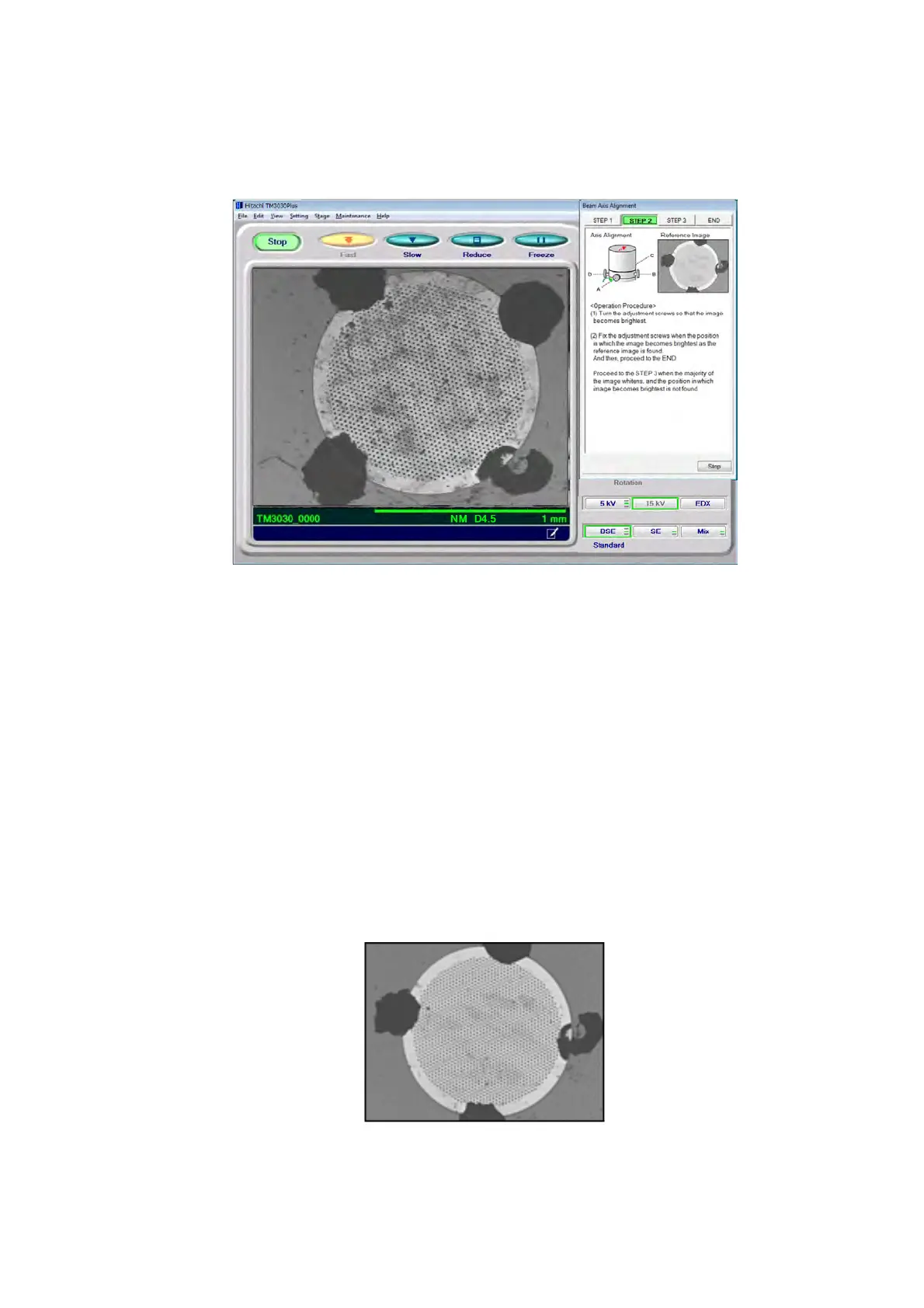
5. Beam Axis Alignment: STEP 2
Turn the four axis alignment knobs, A, B, C, and D, to move the electron gun so that the
window will be the brightest.
Figure 5.2-12 Beam Axial Alignment STEP 2
5a. In a manner similar to STEP 1, adjust the beam axis so that the image on the
observation screen is the brightest. After determining the position where the image
becomes the brightest, go to 5b below. If the position cannot be found, click the
[STEP 3] tab; if the image becomes dark, click the [STEP 1] tab to perform axis
alignments again.
5b. Gently tighten the axis alignment knob to secure the electron gun. When tightening
the knob, use caution so that the brightness does not change, and tighten the four
directional knobs evenly, a little at a time.
5c. Click the [END] tab.
Figure 5.2-13 STEP 2 Reference Image



 To Next Page