5 - 15
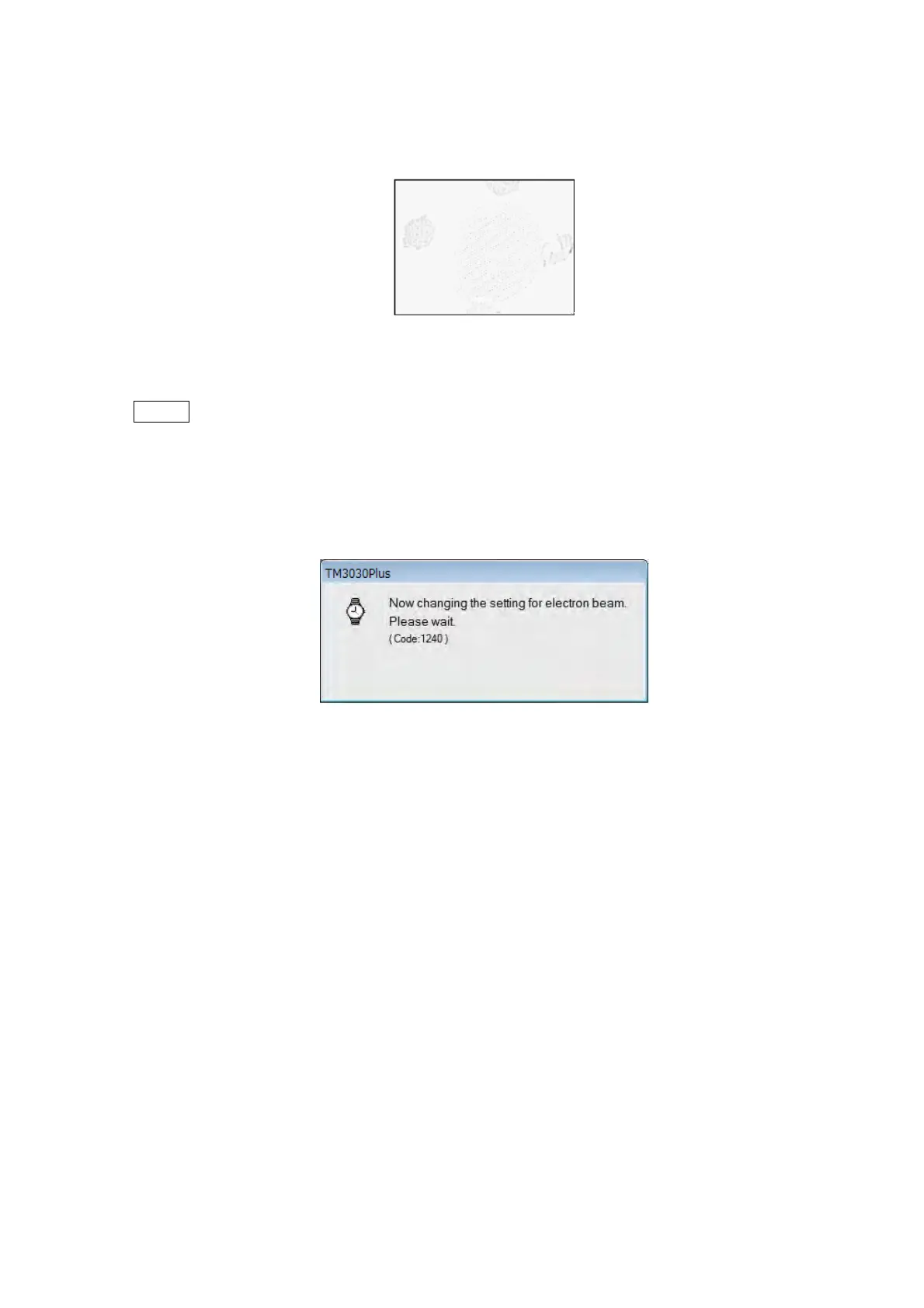
4c. When the image on the observation screen turns into an image as shown in Figure
5.2-10, click the [STEP 2] tab.
Figure 5.2-10 STEP 1 Reference Image
NOTE
: Figure 5.2-10 is only an example. Don’t be alarmed if the same image does not
appear; it is not a problem.
The following window appears during the setting of conditions. Axial alignment should
not be performed until the window disappears.
Figure 5.2-11 Electron Beam Condition Setup Window (2)



 To Next Page