7 - 20
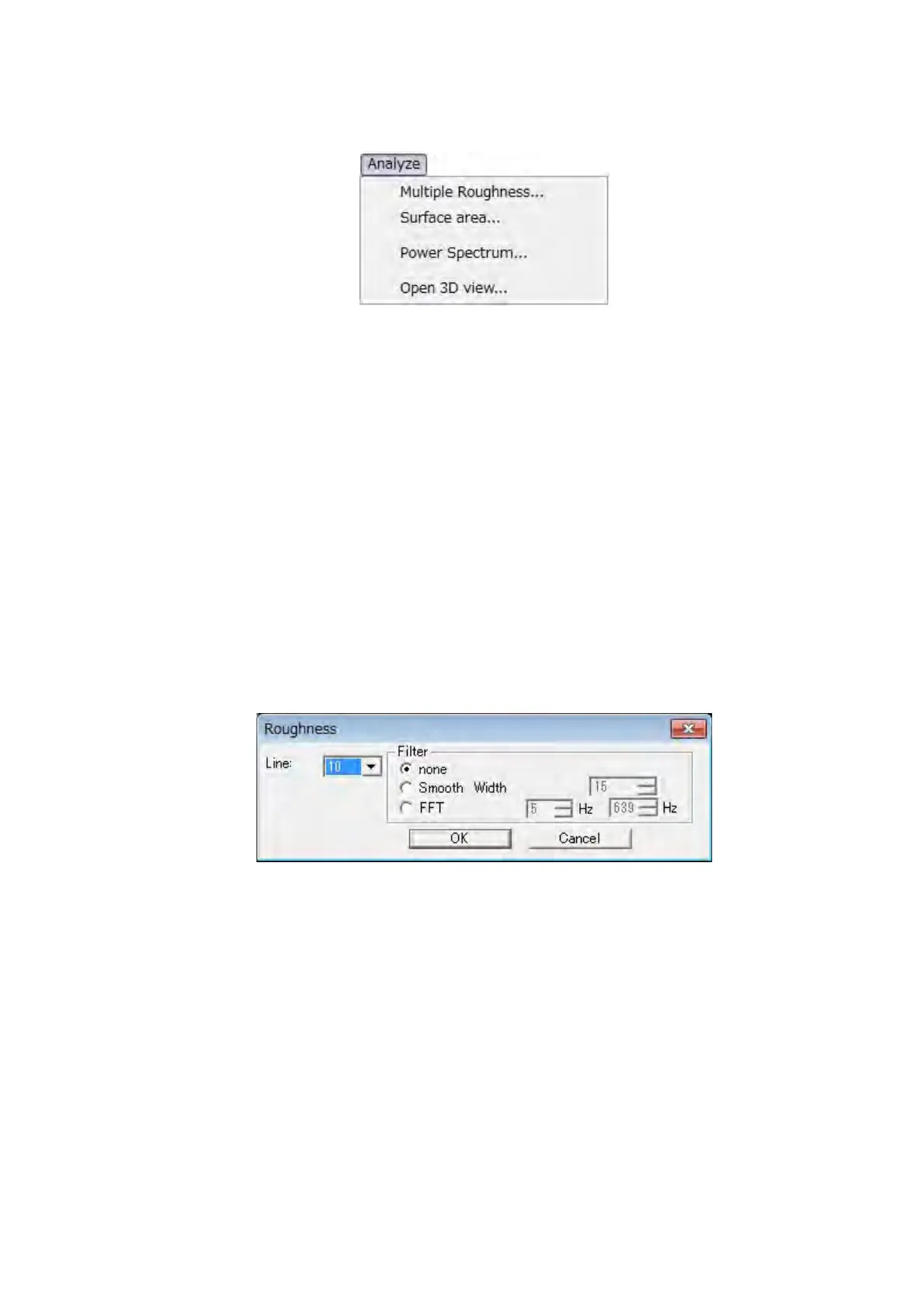
4. [Analyze] menu: Provides commands for measurement operations.
Figure 7.9-6 Analyze Menu
Multiple Roughness
Displays the Roughness dialog and executes setting and measurement of multiple
roughness.
Line: 5, 10, and 20 lines can be selected. Divides the image in the image view at equal
intervals by the selected number of lines and shows the roughness of the position
of these lines.
Filter: Sets the filtering for the profile that measures roughness.
(1) none: The filtering is not executed.
(2) Smooth Width: The smoothing is used with the number of pixels that is set to the
profile.
(3) FFT: The frequency range filtering is used to the profile.
Figure 7.9-7 Roughness Dialog



 To Next Page