7 - 21
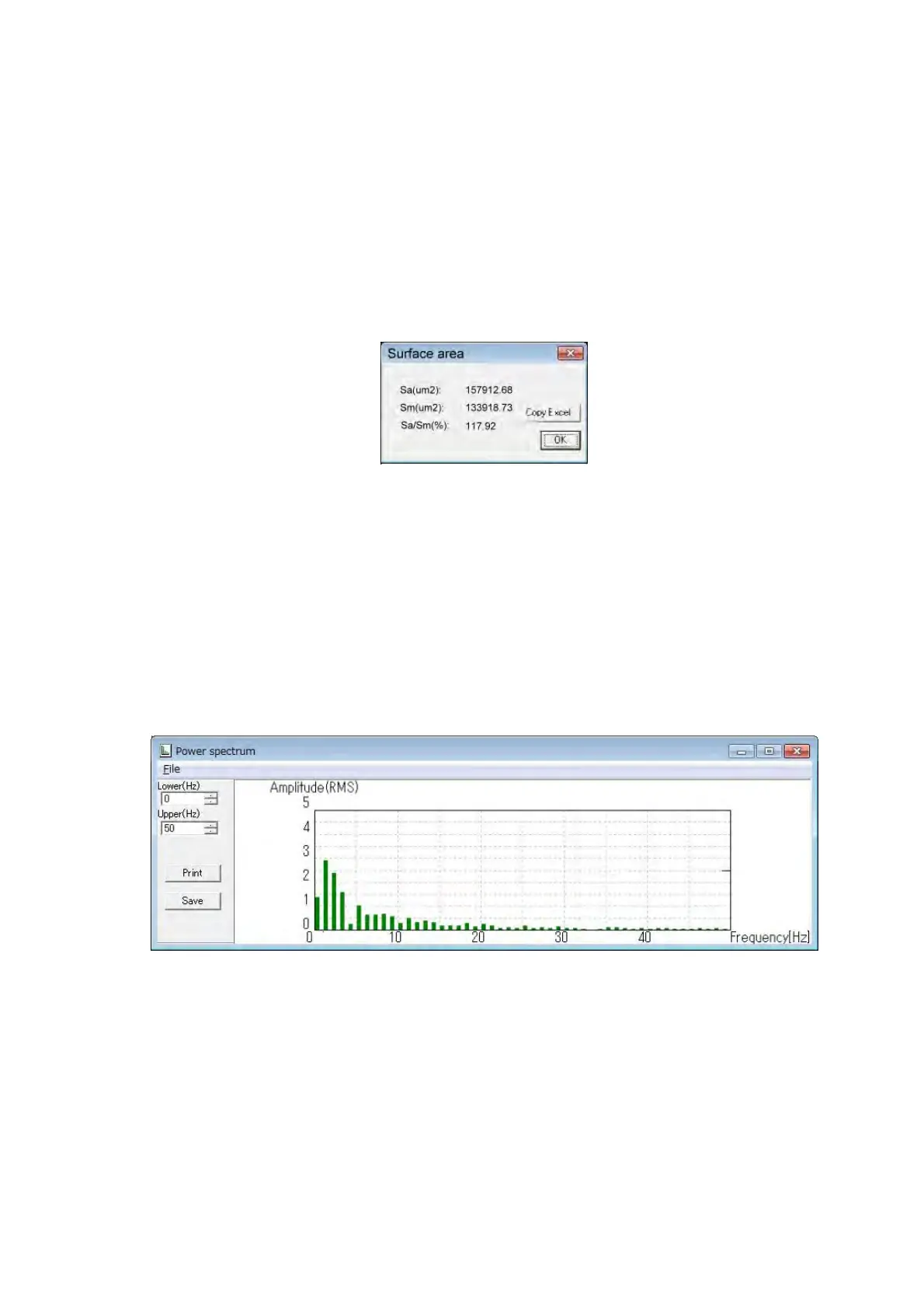
Surface area
Displays the surface area, image area, and the ratio between the surface and the image
areas of the current image.
Sa(µm
2
): Displays the surface area.
Sm(µm
2
): Displays the image area.
Sa/Sm(%): Displays the ratio between the surface area and the image area.
Copy Excel: Transfers the surface area data to Excel.
OK: Closes the Surface area dialog.
Figure 7.9-8 Surface area Dialog
Power Spectrum
Displays the power spectrum of the profile displayed in the profile view.
Lower(Hz): Sets the lower limit of displayed frequency range.
Upper(Hz): Sets the upper limit of displayed frequency range.
Print: Prints the displayed power spectrum.
Save: Saves the displayed power spectrum.
Figure 7.9-9 Power spectrum Dialog
Open 3D view
Displays the 3D Viewer dialog, which is used to produce 3D images.
See 7.13 3D-Viewer Functions, 7.21 Model Display in Three Dimensions.



 To Next Page