7 - 22
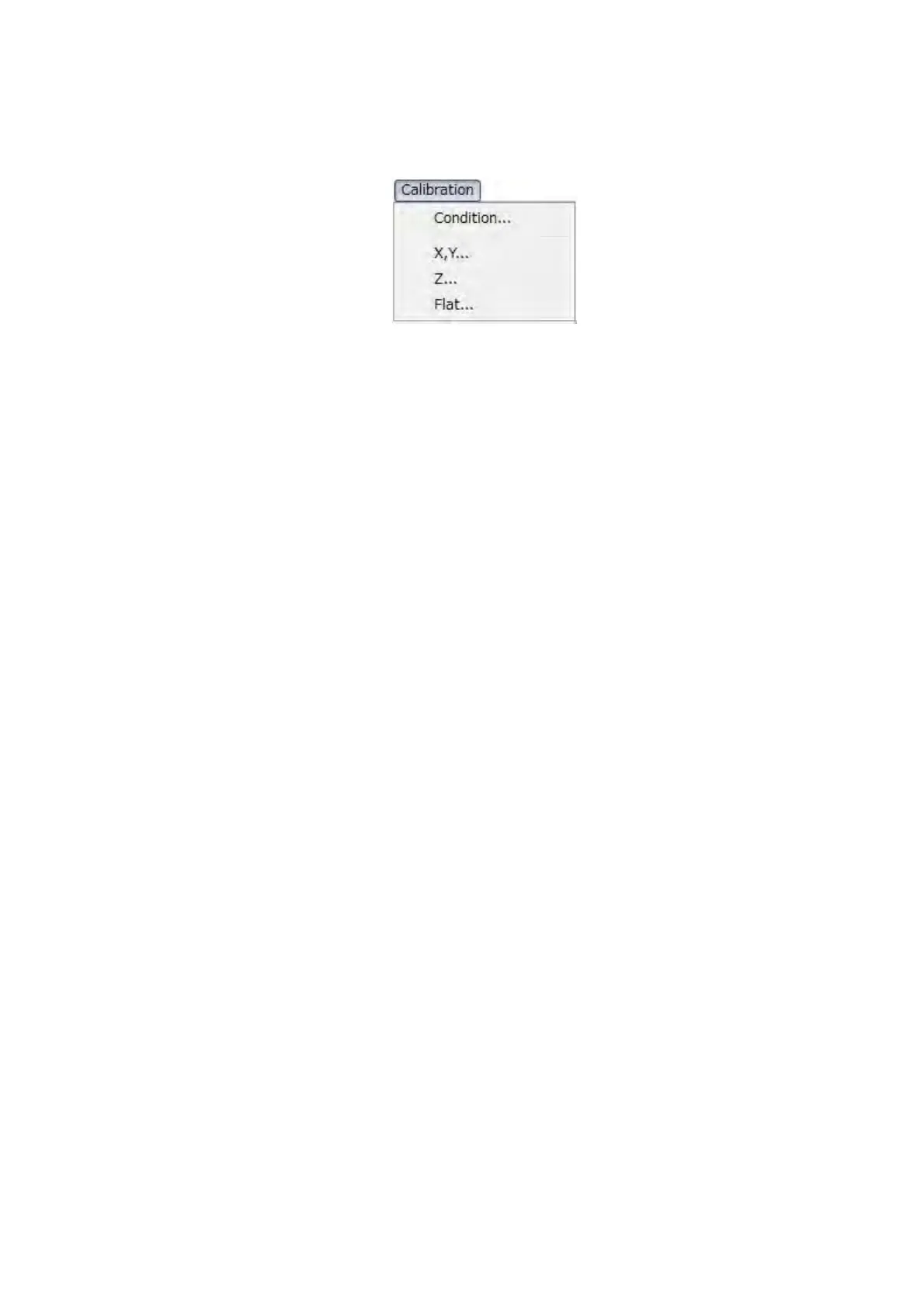
5. [Calibration] menu: Provides commands for calibration.
See 7.22 Calibration of 3D Measurement.
Figure 7.9-10 Calibration Menu
Condition
Displays the Condition Table dialog, which is used to set or select measurement conditions.
X, Y
Calibrates the horizontal (X) and vertical (Y) measurements.
Z
Calibrates the height (Z) measurements.
Flat
Executes the flatness calibration to correct the sensitivity difference etc. of the BSE
detector.
6. [Help] menu: Help operation commands.
About 3D-Image Viewer
Shows the version information of 3D-Image Viewer.


 To Next Page