7 - 54
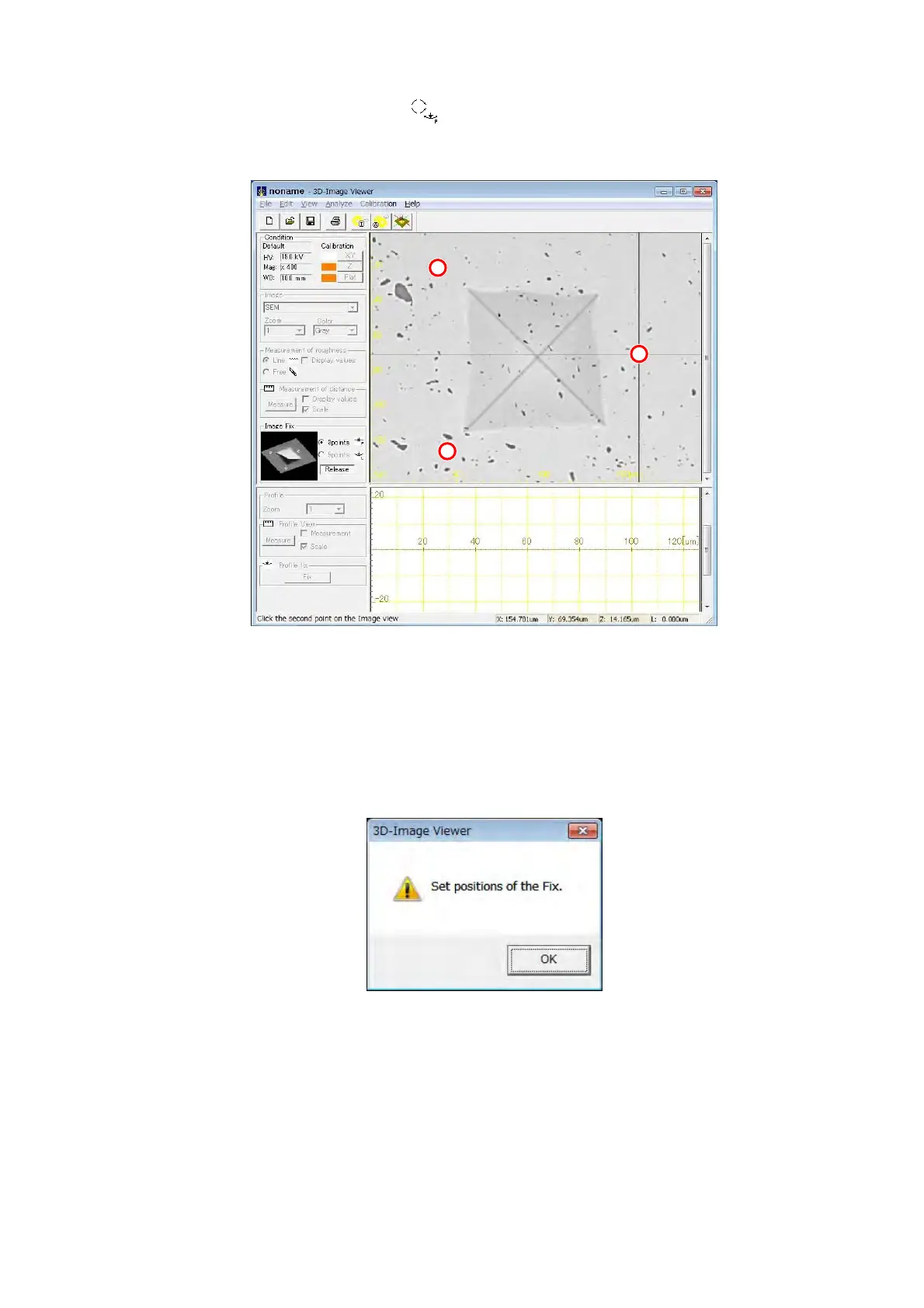
2. The mouse cursor changes into . At this time, select the arbitrary 3 points on the
image view. The specified points are displayed by a red round sign.
Figure 7.18.1-2 Example of Operating the Image Fix 3 points
3. After specifying 3 points, the confirmation message in Figure 7.18.1-3 is displayed. Click
the [OK] button and apply the Image Fix. When executing the Image Fix, the [Fix] button
changes into the [Release] button. Click the [Release] button to release the Image Fix.
Figure 7.18.1-3 Confirmation Message of the Image Fix



 To Next Page