7 - 64
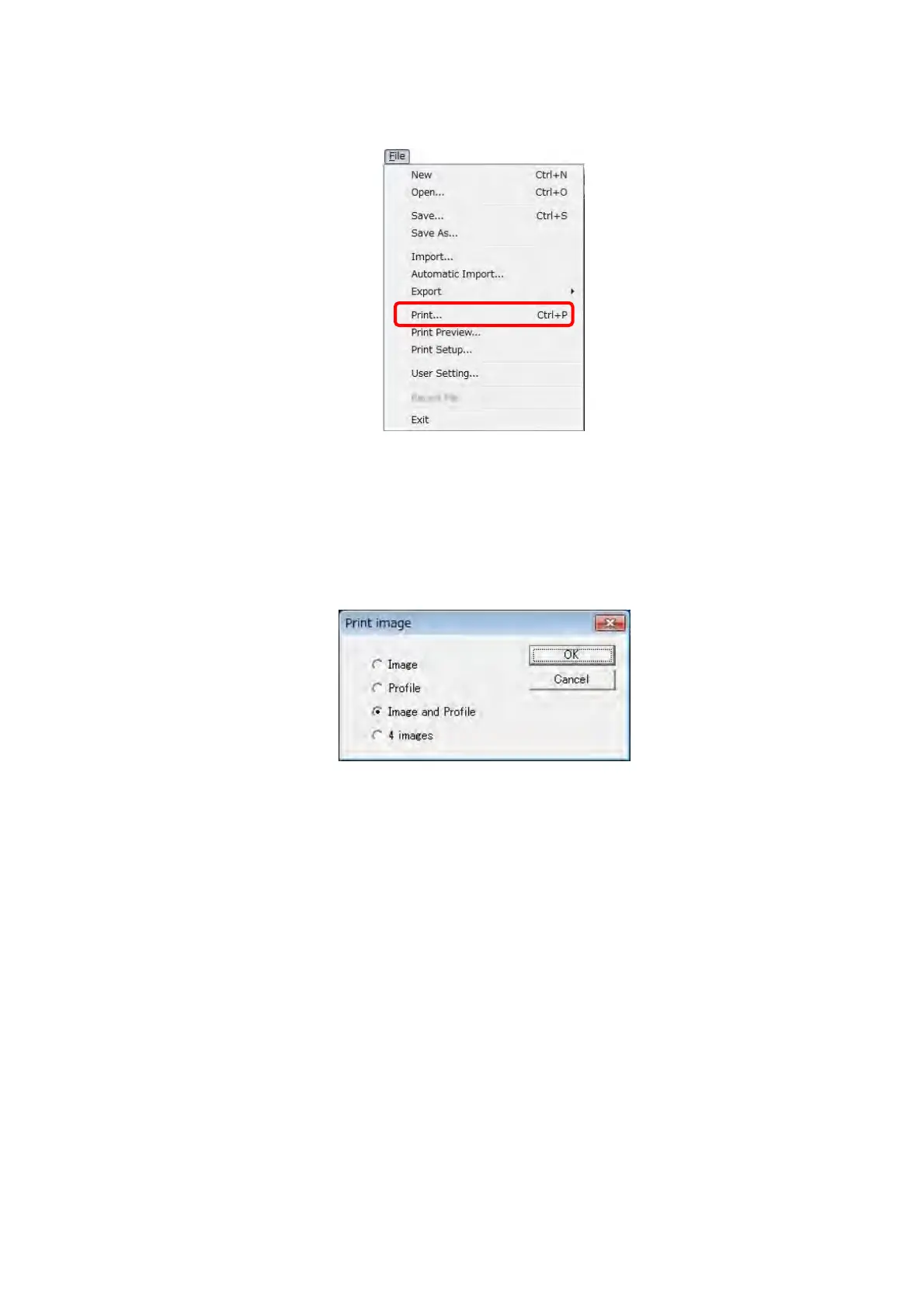
Select the Print from the [File] menu to print.
Figure 7.20-3 Print Menu
Print image dialog is displayed. Select one of [Image], [Profile], [Image and Profile], and [4
Images]. Then, click the [OK] button. When selecting [Image], [Profile], or [Image and Profile],
the Print dialog is opened. And then print is started.
Figure 7.20-4 Print image Dialog
When selecting [4 Images], the Print format dialog is displayed. On the Print format dialog,
four types of images can be selected from four pull-down lists arranged in order of the
arrangement of the image. Click the [OK] button, the Print dialog is displayed. And then, print
is started. The following types of images can be printed:
Memory 1
Memory 2
Memory 3
Memory 4
Line Profile
SEM (SEM image)
Contour16 (16-color contour)
Contour256 (256-color contour)
BirdView (bird's-eye-view graphics)



 To Next Page