7 - 65
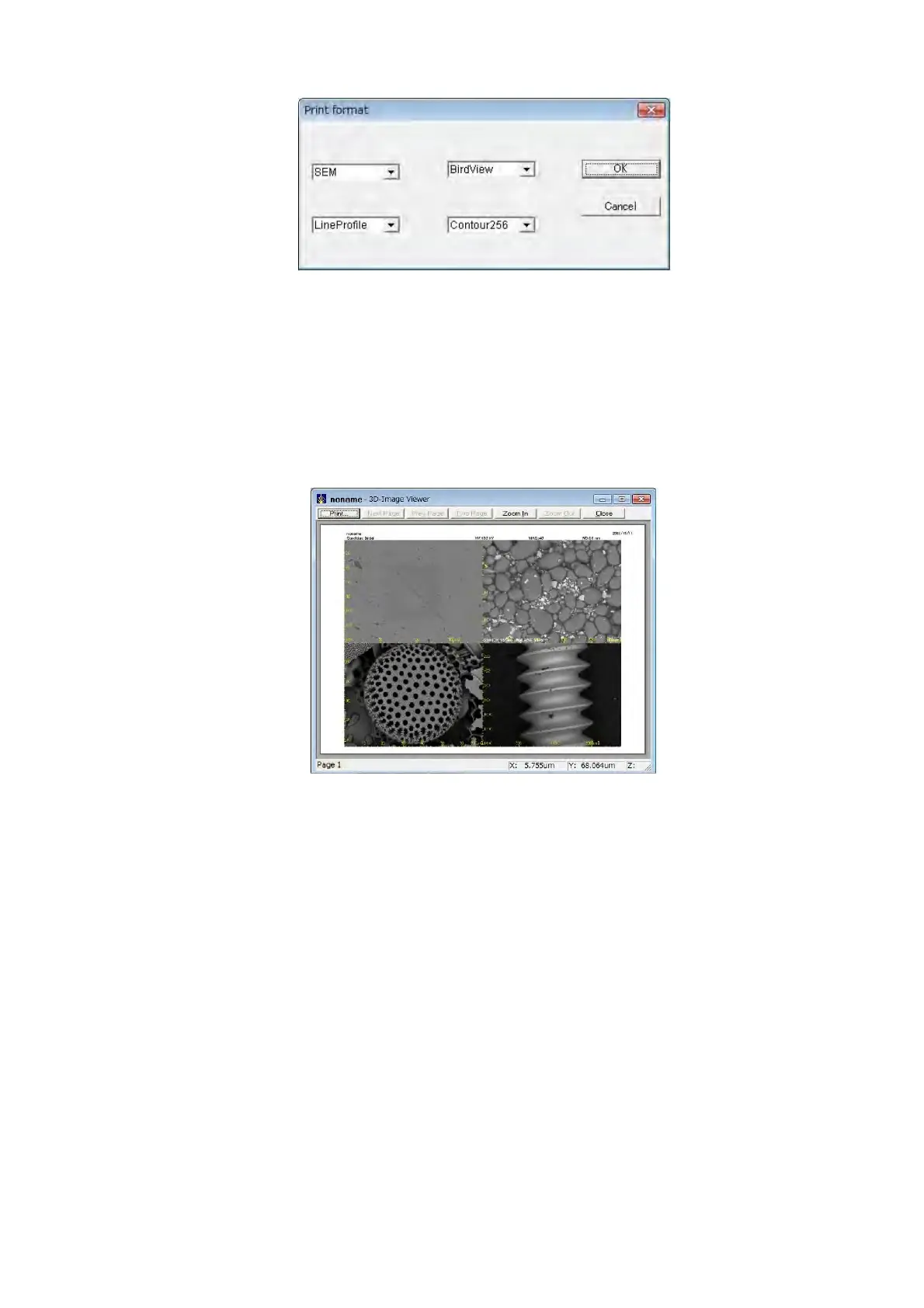
Figure 7.20-5 Print format Dialog
In Memory 1 to Memory 4, four types of different images displayed in Image View can be
stored. To store an image in from Memory 1 to Memory 4, with the image to be saved
displayed in Image View, select Memory Image from the [Edit] menu, and select the memory
number in which the image is to be stored from Memory 1 to Memory 4.
Figure 7.20-6 4 Images Print Preview



 To Next Page