7 - 69
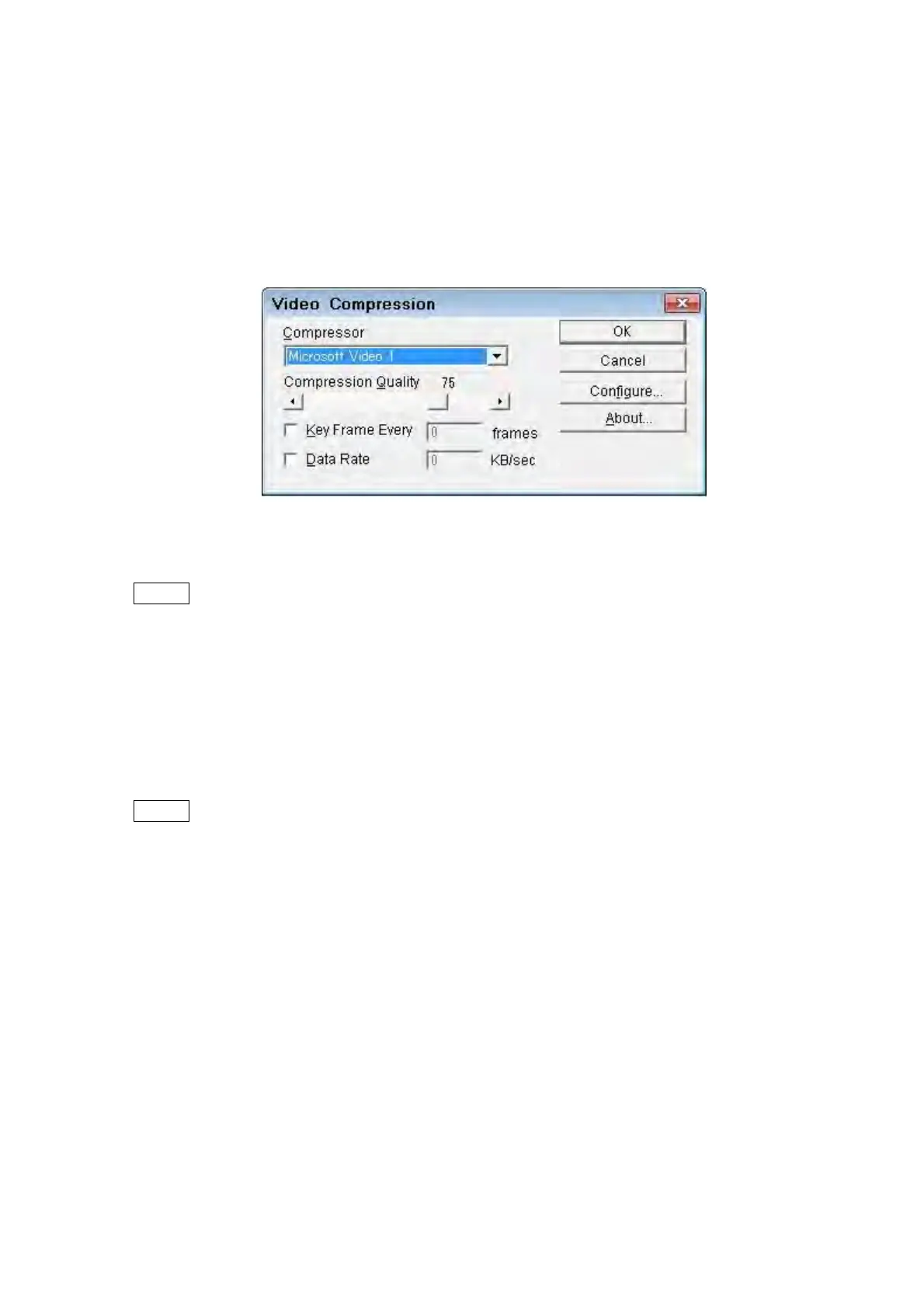
video, and click the [OK] button. If the compression condition of the video setting is
not required, click the [OK] button with the default setting. When [Full Frames
(Uncompressed)] is selected from [Compressor], high quality moving picture can be
saved, but high-performance PC is required. When the PC stops while saving the
moving picture, reduce the number of [Size] or [Frame Rate], or select another
compression program. And then save the moving picture again.
Figure 7.21-7 Video Compression Dialog
NOTE
: As for the compression program displayed in the Video Compression, the codec
(compression/reproduction program of movie) that has already been installed in
the computer using 3D-Image Viewer is displayed. The codec is a program offered
by the manufacturer of the video captures software and the movie player software.
Inquire the content that can be set by Video Compression of the source of each
codec. The maker of the codec selected and information on the version etc. are
displayed when clicking the [Configure] or the [About] button.
NOTE
: The proper operation of the codec selected by Video Compression is not
guaranteed. If some trouble is caused in the movie file saved with the codec, and
the operation of the codec, inquire of the source of the codec.



 To Next Page