7 - 70
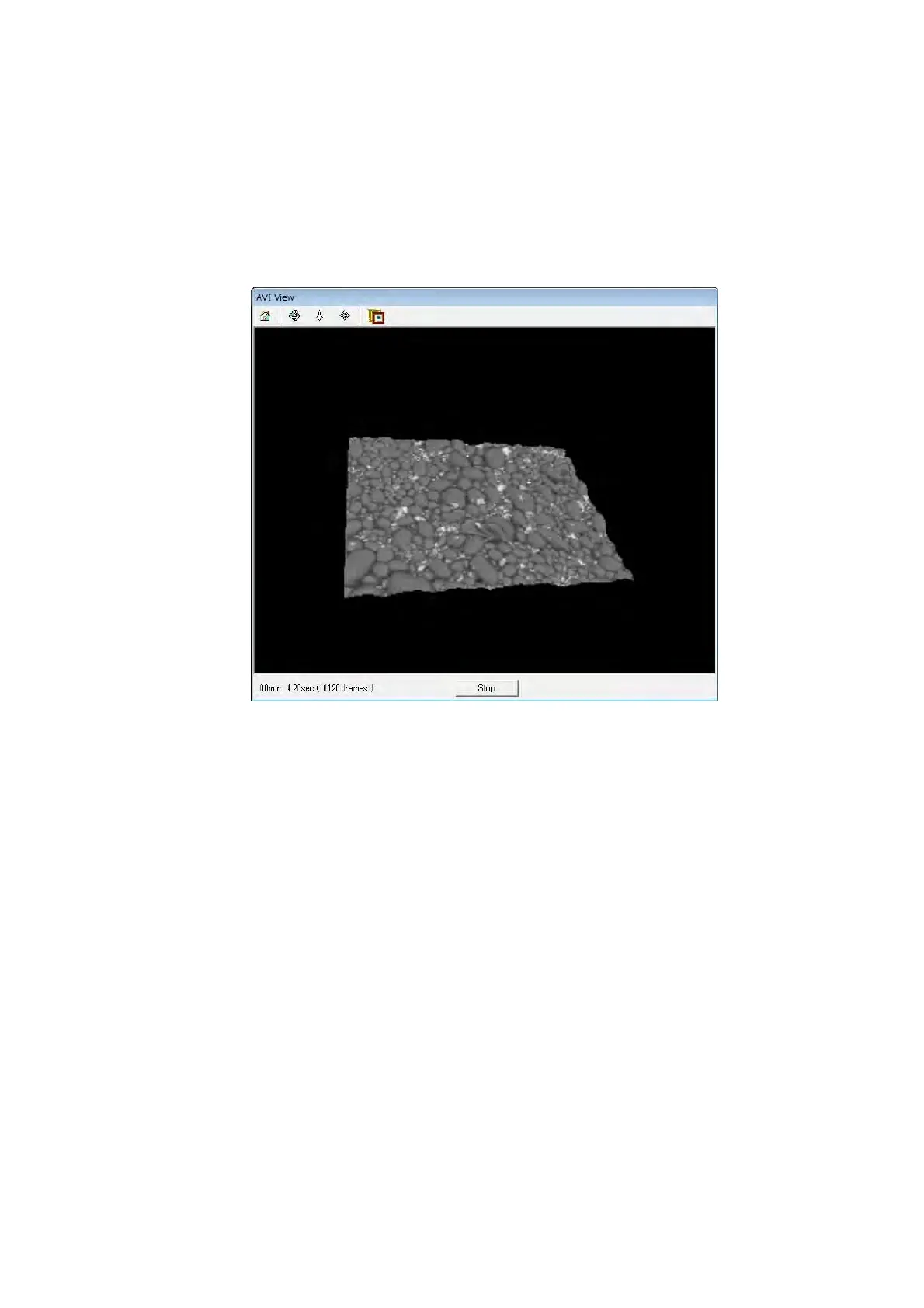
4d. AVI view window is opened and recording of 3D-Image Viewer moving pictures
begins. Operate the rotation and the zoom, etc. of the 3D model. The recording
elapsed time is displayed at the lower left part of AVI view window. Click the [Stop]
button to end it. The video replay function is not provided in 3D-Image Viewer. Use
the movie player software of Windows standard etc. to play the video file with AVI
format.
Figure 7.21-8 AVI View Window



 To Next Page