7 - 81
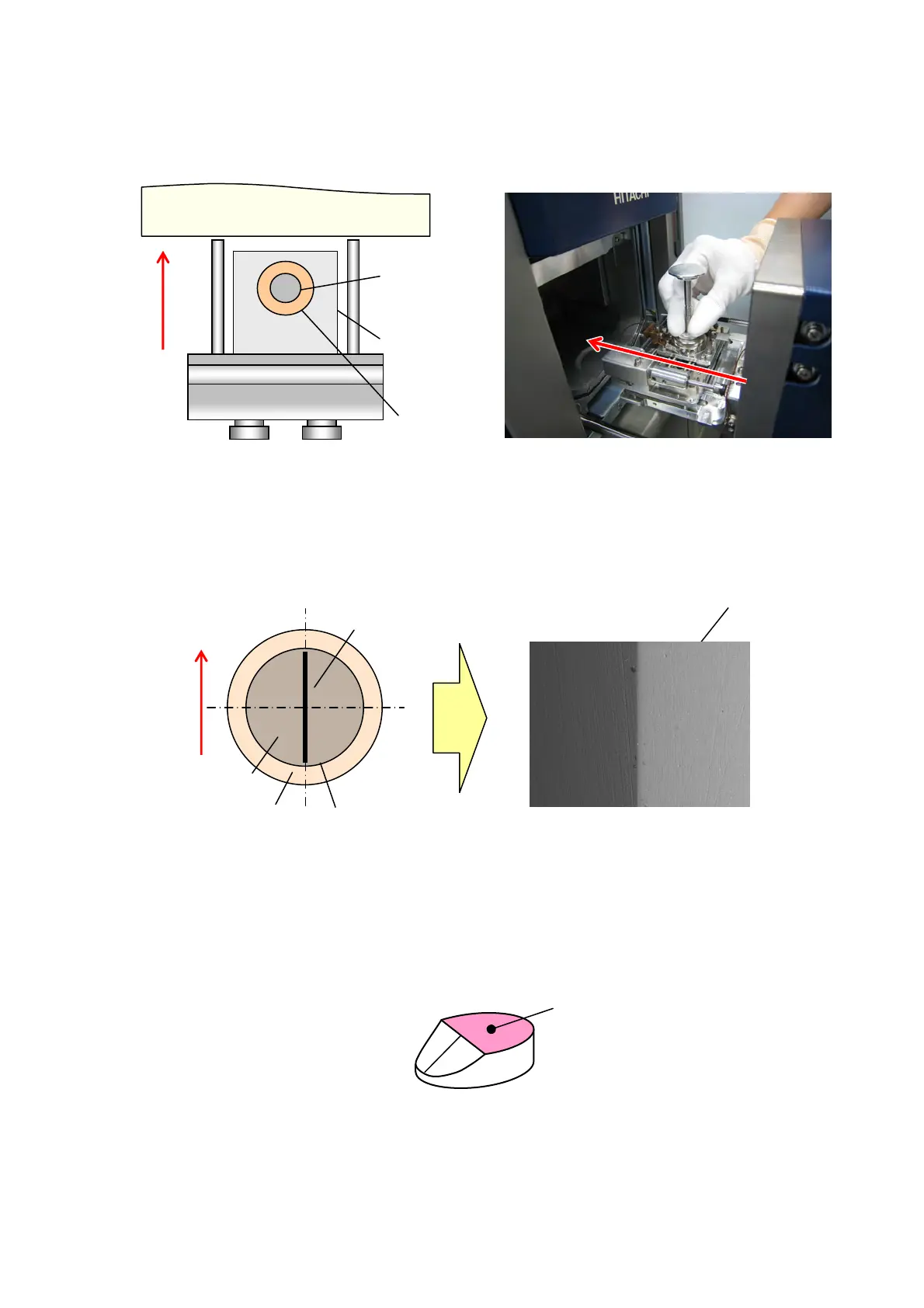
2. Set the tilted specimen stub in the stage, and execute proper settings for observing the
image.
Figure 7.25.1-2 Example of Inserting Specimen
Example of the direction that installs sample Example of the observation image
Figure 7.25.1-3 Example of Specimen Installation Direction
3. Move the stage Z, and focus on the flat part of the tilted specimen stub.
Figure 7.25.1-4 Flat Part of Tilted Specimen Stub
The direction that installs specimen in the stage
(Top View)
Specimen Stage
Holder Base
Specimen Stub
TM3030Plus Main Unit
Flat part
Holder Base
Specimen Stub
Specimen
Observation
image area
Tilted part Flat part
Tilted part
Flat
part



 To Next Page