2 - 47
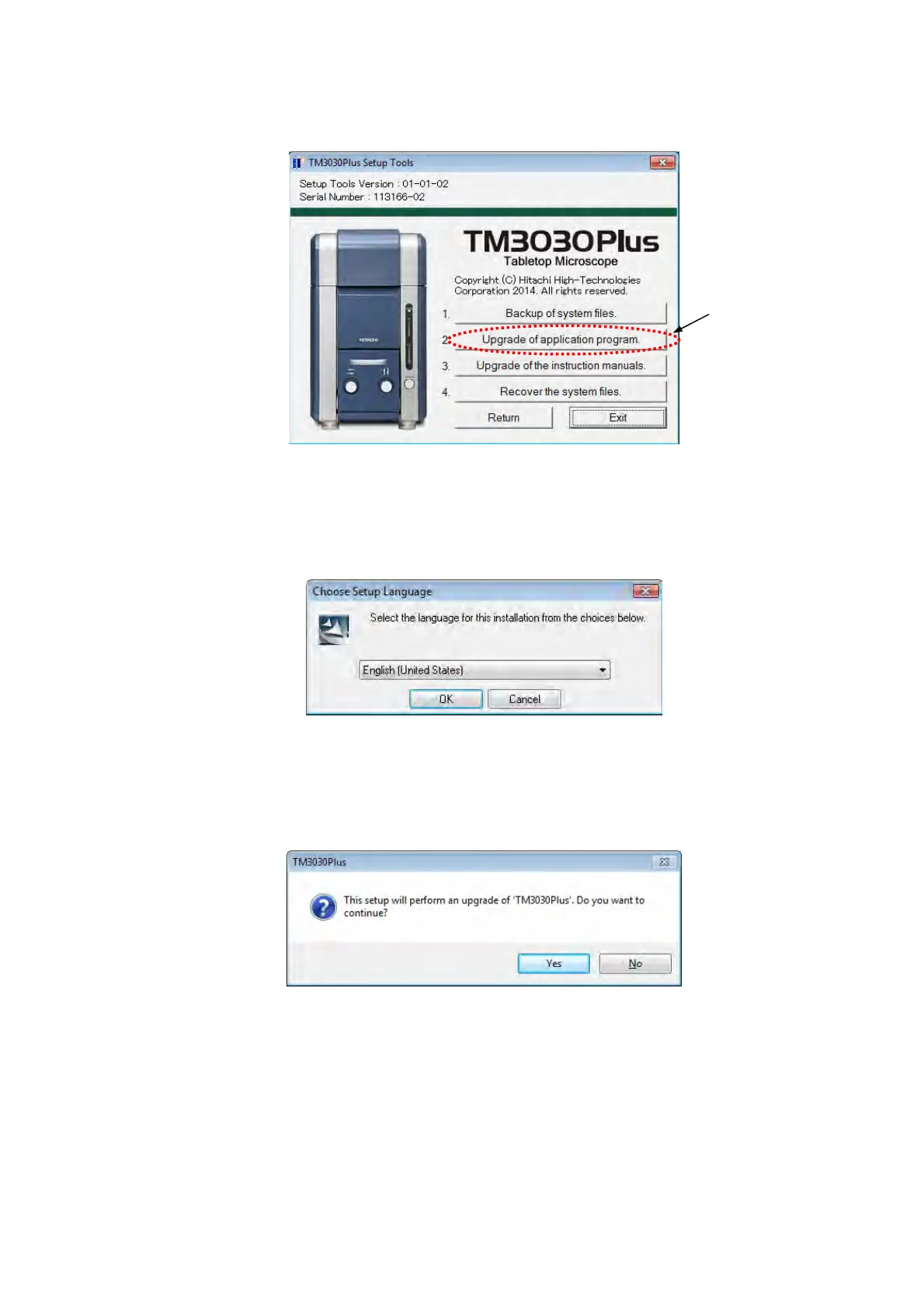
1g. The following window appears. Click the [Upgrade of application program.] button.
Figure 2.5.1-6 TM3030Plus Setup Tools Window (Upgrade)
1h. The following window appears. Click the [OK] button.
Figure 2.5.1-7 Choose Setup Language Window
1i. The following window appears. Click the [Yes] button.
Figure 2.5.1-8 Continue Setup Window
Click



 To Next Page