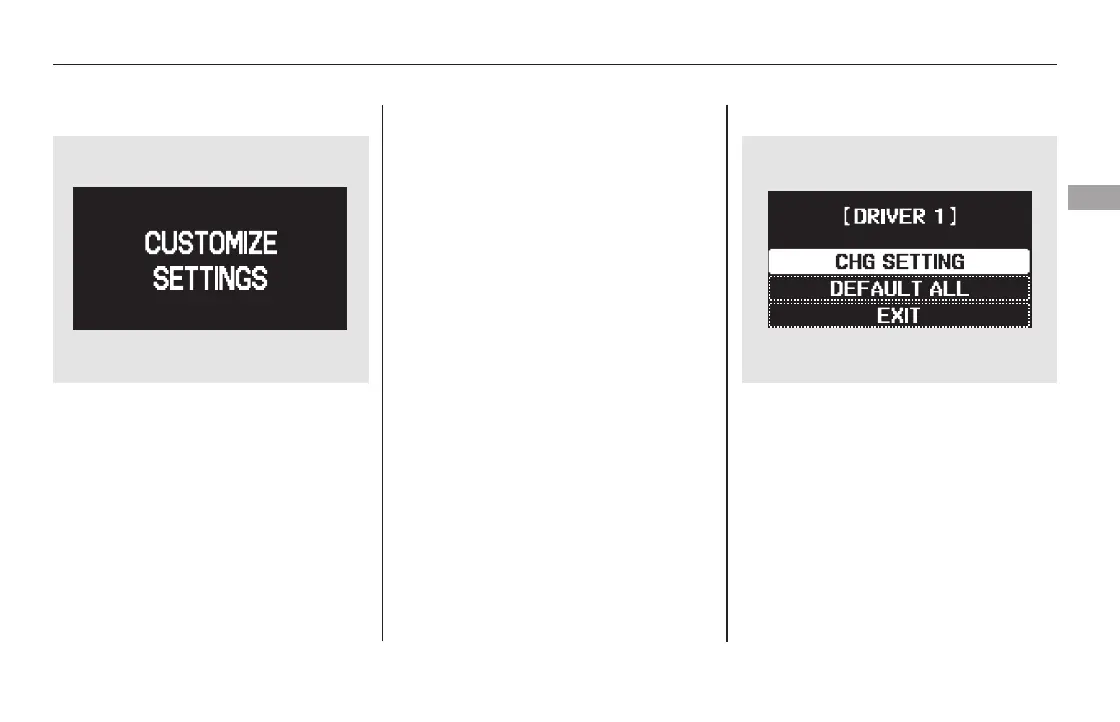
To enter the customizing mode,
press the SEL/RESET button.
If you turn the ignition switch to the
ACCESSORY (I) or the LOCK (0)
position, or move the shift lever out
of Park, the display will change to
the normal screen.
If you want the settings as they were
when the vehicle left the factory,
select DEFAULT ALL, as described
on page .
Refer to the table on the following
pages about the settings you want to
customize.
If you want to change any vehicle
control settings, select CHG
SETTING, then press the SEL/
RESET button.
To change the settings, the ignition
switch must be in the ON (II)
position, and the vehicle must be
stopped with the transmission in
Park.
You can customize some vehicle
control settings for ‘‘DRIVER 1’’ and
‘‘DRIVER 2’’ separately. If ‘‘DRIVER
1’’ or ‘‘DRIVER 2’’ is not displayed,
customizing is not possible.
When the main menu displays
‘‘CUSTOMIZE SETTINGS’’ you can
customize some vehicle control
settings.
To have the driver’s ID detected,
make sure your remote transmitter
is linked to the system (see Recalling
a Memorized Driving Position on
page ). 98153
CONTINUED
On Touring models
Multi-Information Display
Customize Settings
Instruments and Controls
95
Touring model is shown.
11/08/01 08:33:05 31SZA630_102













 To Next Page