How to Use HFL
Bluetooth
HandsFreeLink (Models without navigation system)
444
The ignition switch must be in the ACCESSORY (I) or ON (II) position.
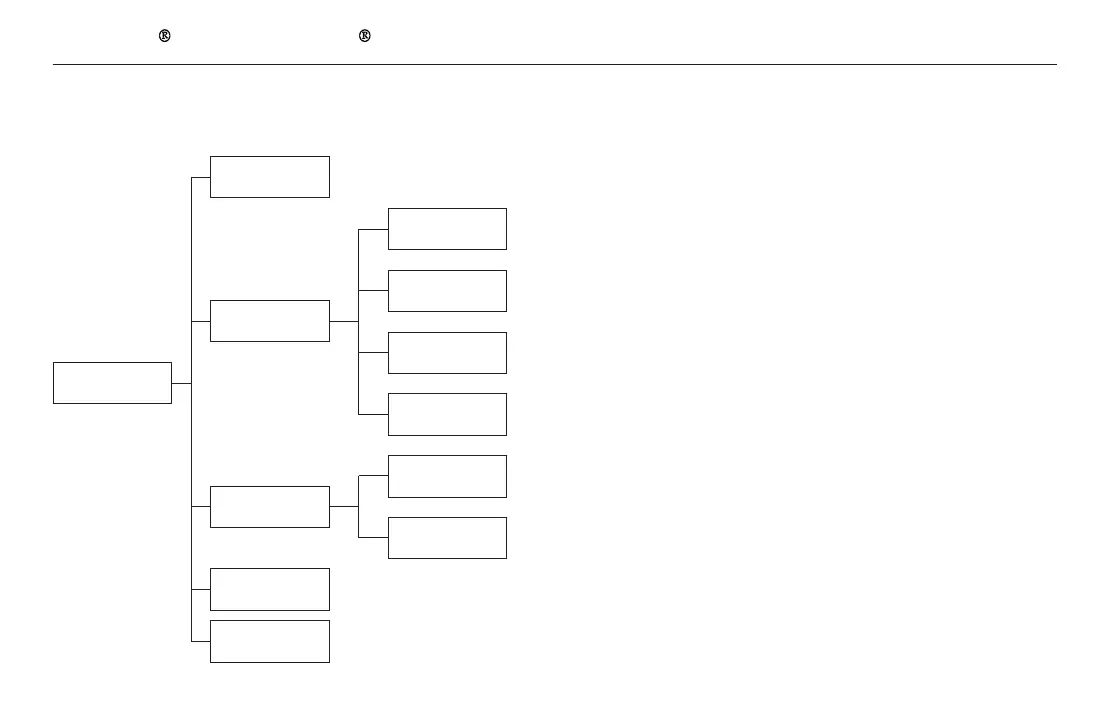
Phone
Display a list of all 20 speed dial entries.
Enter a phone number to dial.
Speed Dial
Phonebook
Dial
Redial
Display the last 20 incoming, outgoing, or missed calls.
(Appears only when a phone is connected to the system via HFL.)
Display the last 20 incoming calls.
(Appears only when a phone is connected to the system via HFL.)
Display the last 20 outgoing calls.
(Appears only when a phone is connected to the system via HFL.)
Display the last 20 missed calls.
(Appears only when a phone is connected to the system via HFL.)
Display the menu for an alphabetical search in the paired phone’s
phonebook.
Display the paired phone’s previously imported phonebook
(or import a new one).
All Calls
Dialed Calls
Missed
Calls
Alphabet
Search
Received Calls
All Listings
Call History
Redial the last number dialed in the phone’s history.
11/08/01 09:32:45 31SZA630_451













 To Next Page