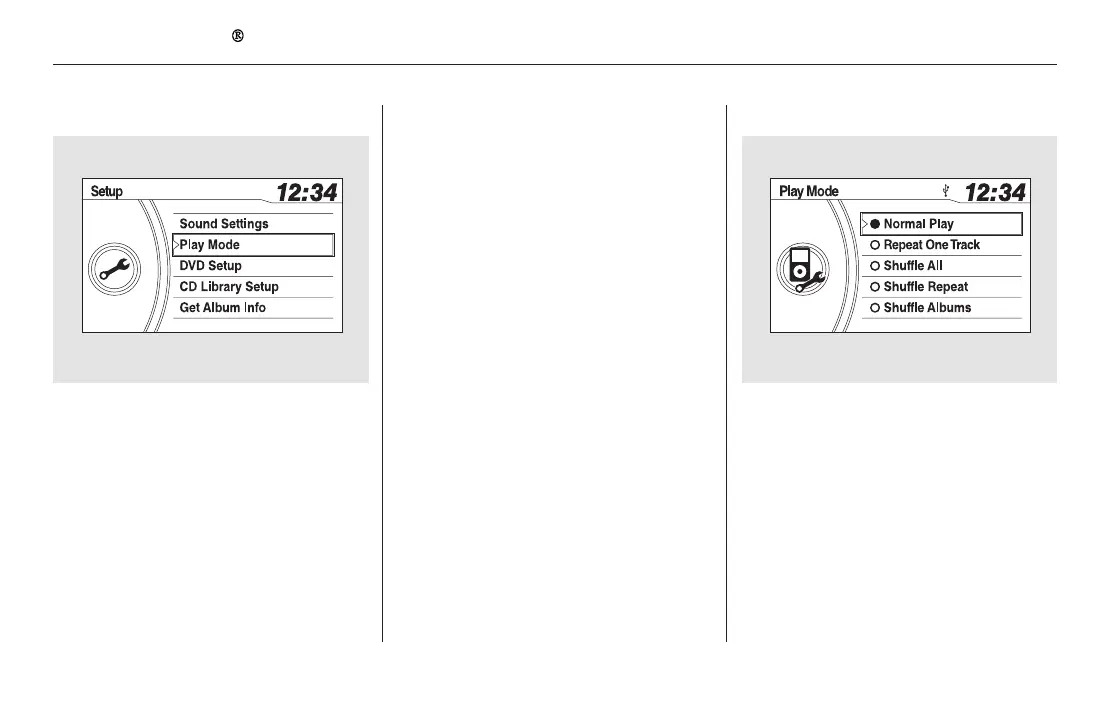
−You can select any type of repeat and
shufflemodebyusingtheSETUP
button and the selector knob. Press
the SETUP button to display the
menu items, then turn the selector
knob to select ‘‘Play Mode.’’ Press
the selector knob to set the selection.
Turn the selector knob to select a
play mode: Normal Play, Repeat One
Track, Shuffle All, Shuffle Repeat,
Shuffle Albums, or Shuffle Album
Repeat, then press the selector knob
to set your selection.
To cancel the selected mode, press
the selector knob and turn the
selector knob to show ‘‘Play Mode,’’
then press the selector knob. When
you see ‘‘Normal Play,’’ press the
selector knob again.
This feature
continuously plays a file. You will see
the repeat icon in the display. Select
normal play to turn it off.
To Select Repeat or Shuffle Mode:
Repeat One Track
Playing an iPod (EX-L and Canadian EX models without navigation system)
270
11/08/01 09:02:51 31SZA630_277













 To Next Page