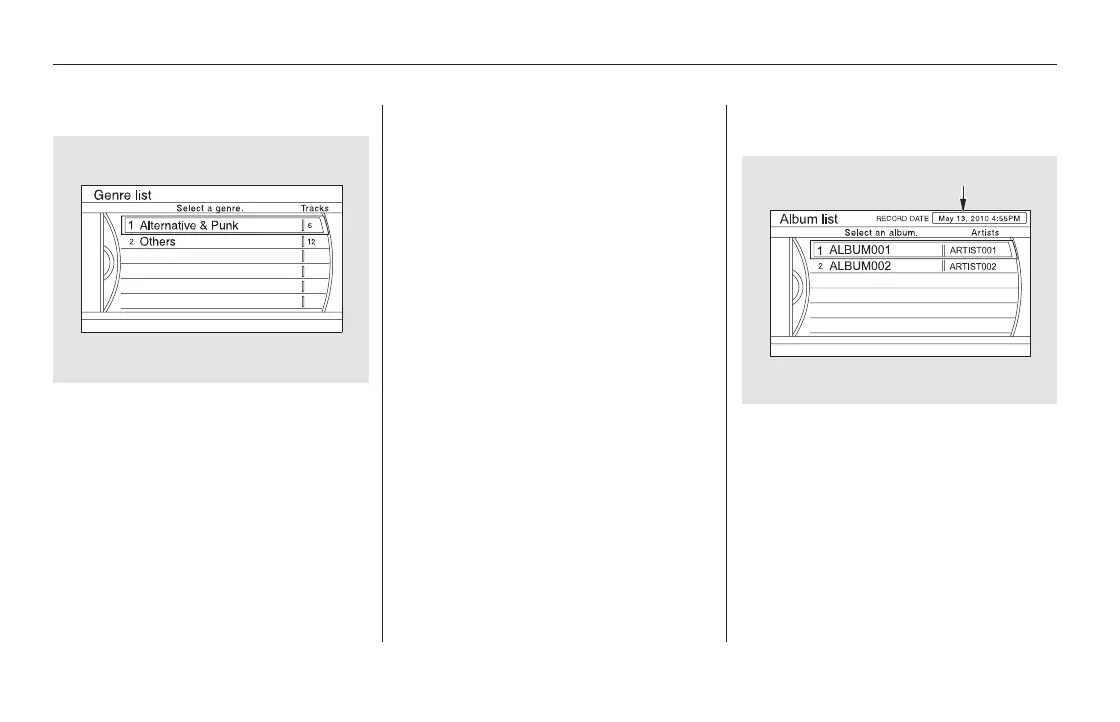
Push the interface selector up to
display the Search music by screen,
and turn the interface dial to select
‘‘Genres.’’ Press ENTER on the
interface selector, and the genre list
will be displayed.
Turn the interface dial to select the
genre you want to listen to, and then
press ENTER on the interface
selector.
The first track on the selected genre
begins to play.
Push the interface selector up to
display the Search music by screen,
and turn the interface dial to select
Album Record Date. Press ENTER
on the interface selector. The album
list will be displayed.
Turn the interface dial to select the
album you want to listen to, then
press ENTER on the selector.
Searching Music by Genre Searching Music by Album
Record Date
Playing Hard Disc Drive (HDD) Audio (Models with navigation system)
348
RECORDED DATE
11/08/01 09:16:09 31SZA630_355













 To Next Page