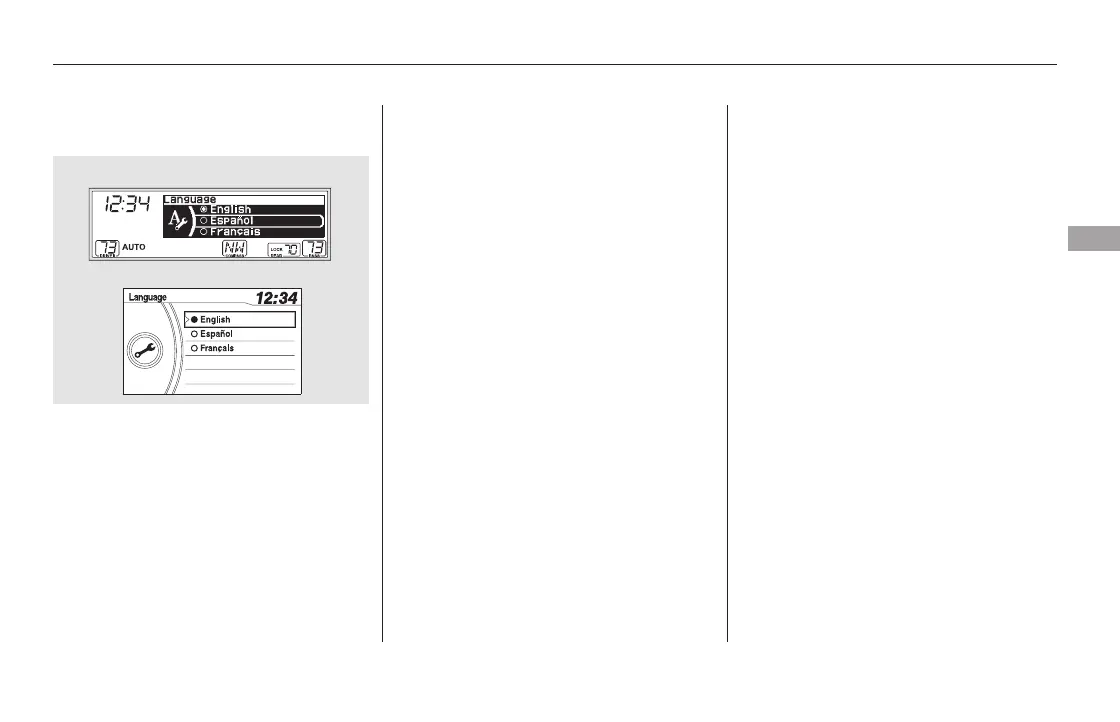
Turn the selector knob to the
language you want, then press the
selector knob to change the display.
Press and release the RETURN
buttontogobacktothesetupmenu.
You can change the display language
to English, Spanish, or French. Press
the SETUP button to display the
setup menu. Turn the selector knob
to ‘‘Language’’ and press the selector
knob.
EX-L models without navigation system
and Canadian LX models
Setting the Language
Features
297
U.S. EX and Canadian LX models
EX-L and Canadian EX models
11/08/01 09:07:21 31SZA630_304













 To Next Page