▲▼
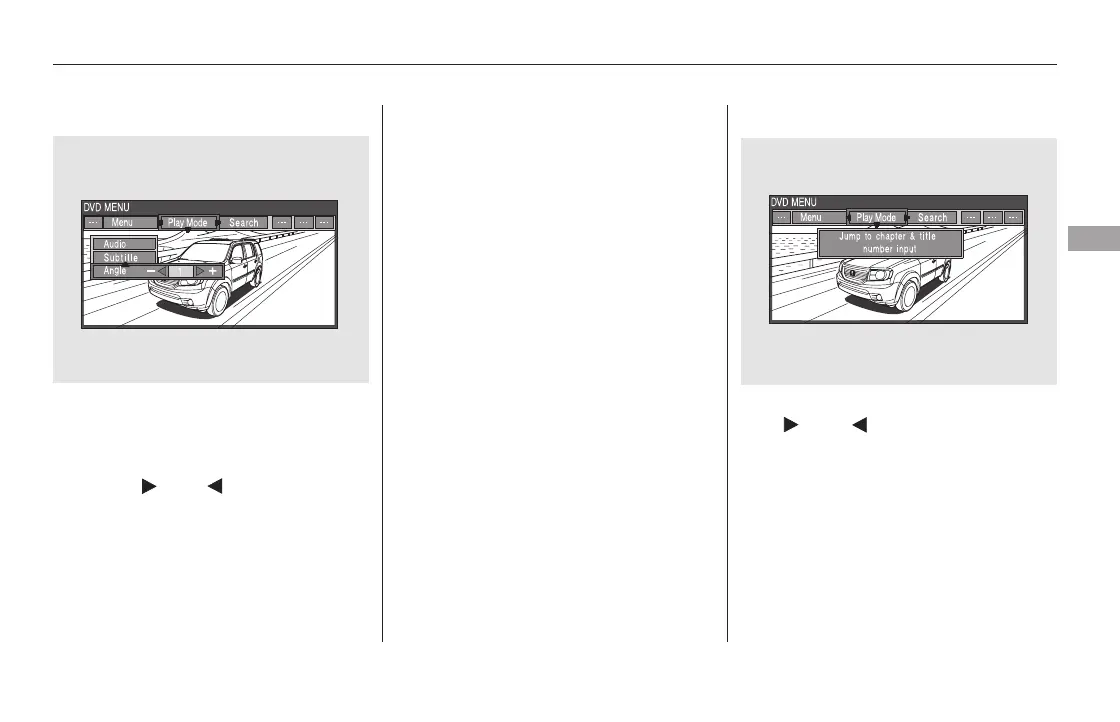
‘‘Angle’’
When you highlight ‘‘Search’’ with
the or button, the ‘‘Jump
to chapter and title number input’’
message appears. To select
‘‘Chapter’’ or ‘‘Title’’ search, press
the ENT button.
SearchIf there are no multiple angles
available on the DVD, you cannot
change from ‘‘Angle 1.’’
To change the view angle, highlight
‘‘Angle’’ from the play mode menu
with the or button. You
can see the available angle options
with the or button.
To go back to play, press the MENU
or CANCEL button.
CONTINUED
Rear Entertainment System
Features
411
11/08/01 09:27:09 31SZA630_418













 To Next Page