▼
▲
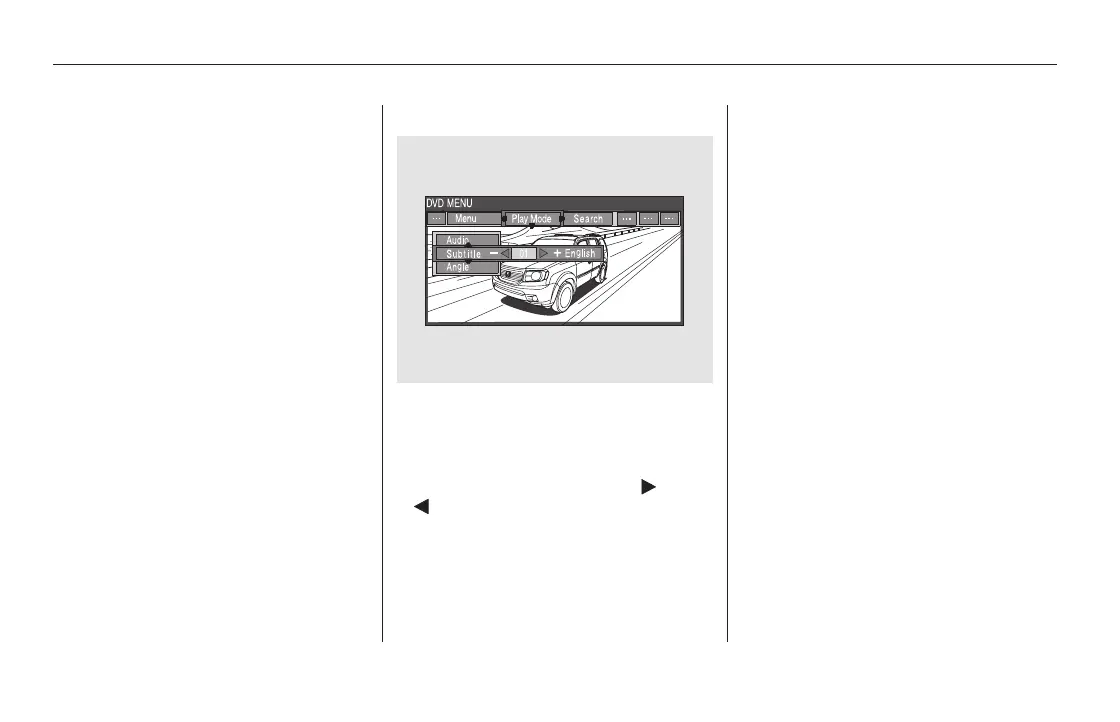
‘‘Subtitle’’
The selectable languages vary from
DVD to DVD, and this feature may
notbeavailableonsomeDVDs.
To change the DVD’s subtitle,
highlight ‘‘Subtitle’’ from the play
mode menu with the or
button. You can see the
available subtitles with the or
button.
To go back to play, press the MENU
or CANCEL button.
To go back to play, press the MENU
or CANCEL button.
Rear Entertainment System
410
11/08/01 09:26:59 31SZA630_417













 To Next Page