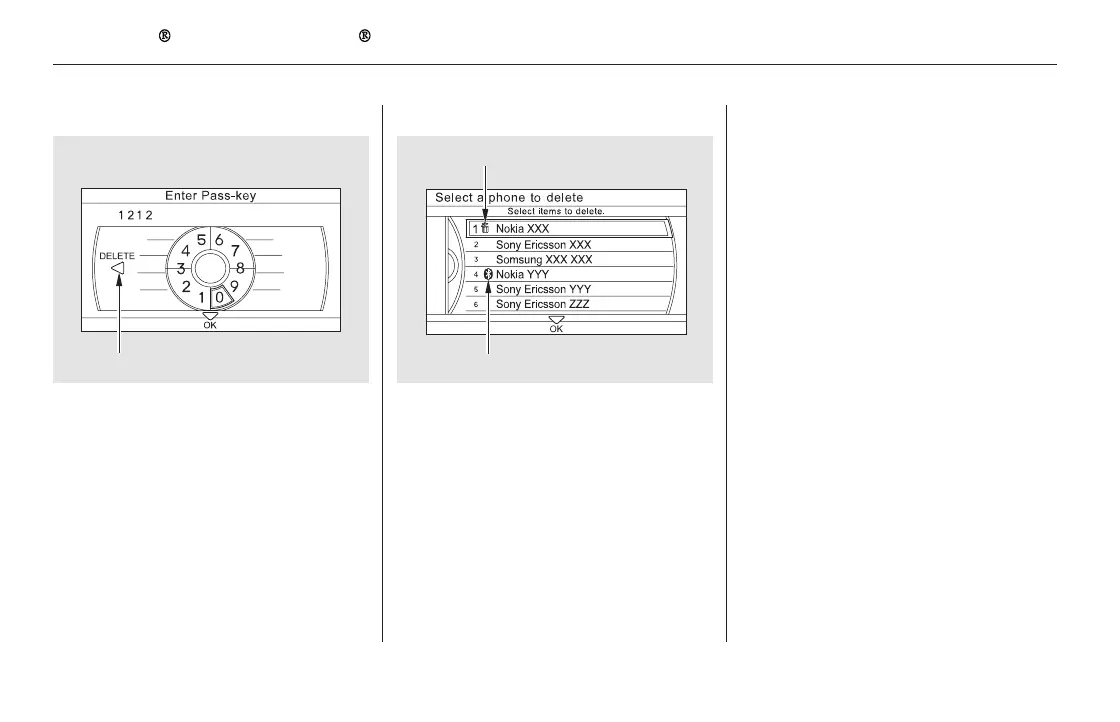
To delete a paired phone:
Select ‘‘Connection’’ from the
Phone Setup screen.
Select ‘‘Delete.’’
Select the phone you want to
delete. The Bluetooth icon shows
you the currently linked phone.
A trash icon appears next to the
selected phone. Select ‘‘OK’’ to
continue.
To create your own pass-key, select
‘‘Fixed’’ and follow steps 3 and 4.
Delete the current pass-key.
Enter a new pass-key, and select
‘‘OK.’’
Select ‘‘Yes’’ from the
confirmation screen.
1.
2.
3.
4.
5.
3.
4.
Bluetooth
HandsFreeLink (Models with navigation system)
472
TRASH ICON
BLUETOOTH ICON
Example
Push the selector to left to delete.
11/08/01 09:38:27 31SZA630_479













 To Next Page