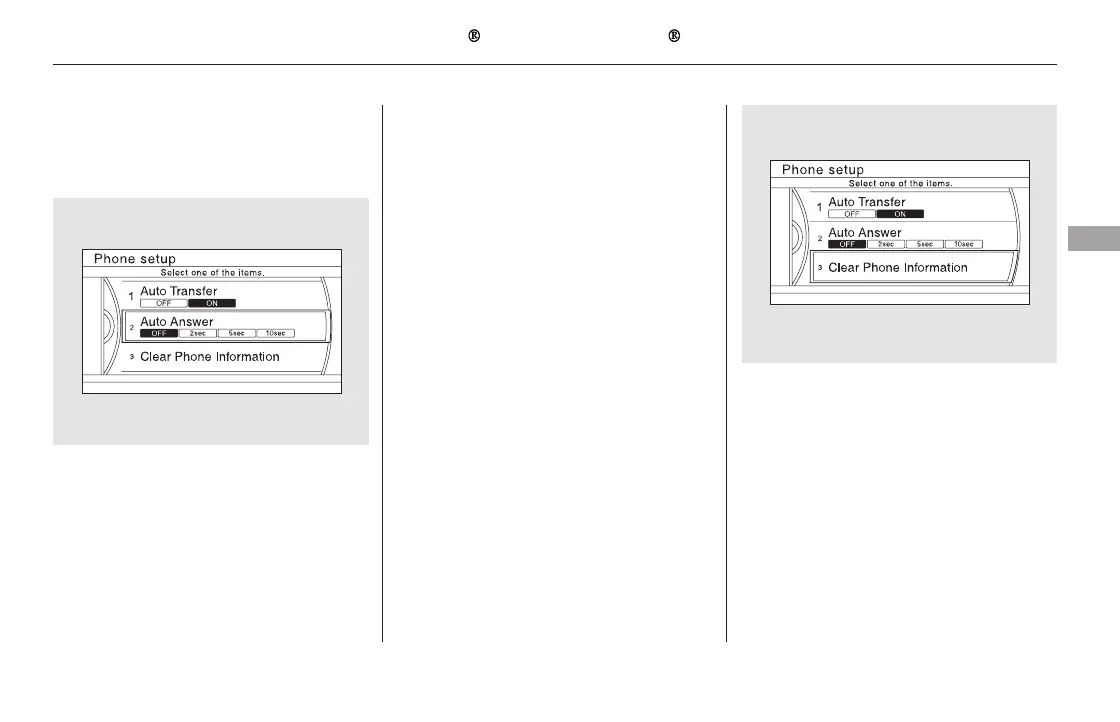
YoucanchoosewhentheHFL
system automatically answers
incoming calls.
Select ‘‘Auto Answer’’ from the
Phone Setup screen.
Select ‘‘Off,’’ ‘‘2sec,’’ ‘‘5sec,’’ or
‘‘10sec.’’
Clearing a phone name will clear all
settings, such as call history and
phonebook.
Select ‘‘Clear Phone Information’’
from the Phone Setup screen.
Select the phone you want to clear.
A trash icon appears next to the
selected phone. Select ‘‘OK’’ to
continue.
Select ‘‘Yes’’ from the
confirmation screen.
2.
1.
2.
1.
3.
4.
CONTINUED
Automatic Answering To clear the phone inf ormation
Bluetooth
HandsFreeLink (Models with navigation system)
Features
475
11/08/01 09:39:06 31SZA630_482













 To Next Page