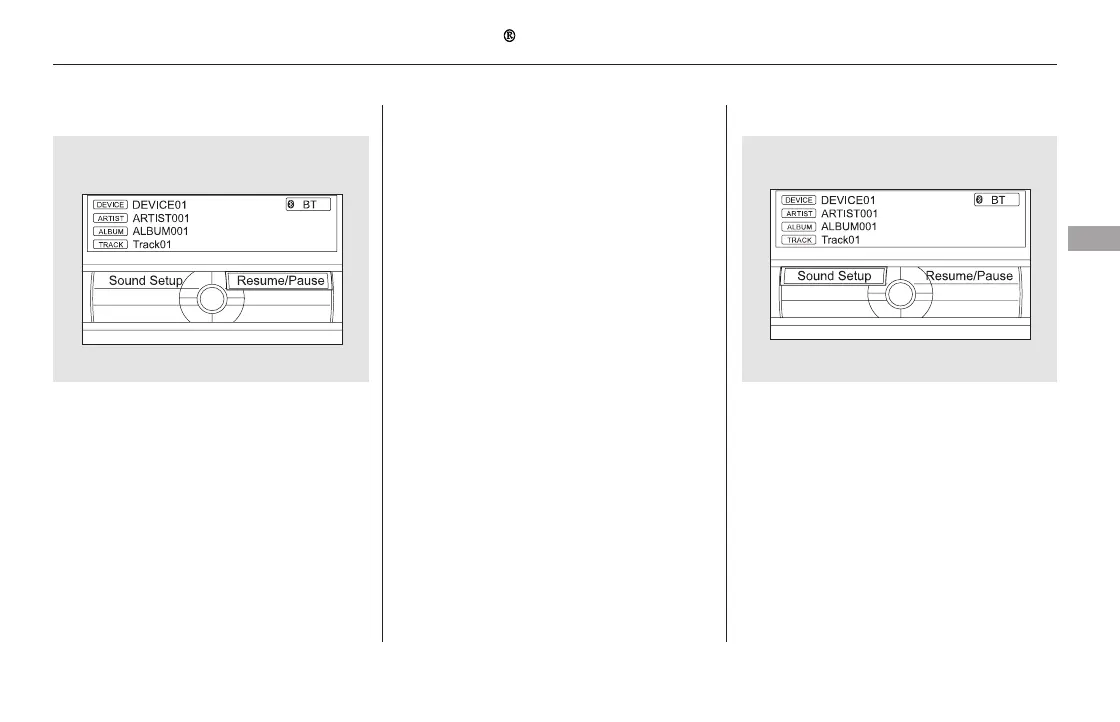
The resume/pause mode can stop
playing a file temporarily.
Turn the interface dial to switch the
setting between the resume/pause
mode and the sound setup mode.
Select Resume/Pause, then press
ENTER to set your selection. Each
time you press ENTER, the system
switches between the resume mode
and pause mode.
Thepausefunctionmaynot
be available on some phone devices.
Press the AUDIO button to display
the audio control display. Turn the
dial to switch the setting between
theresume/pausemodeandthe
sound setup mode. Select Sound
Setup, then press ENTER to set your
selection.
CONTINUED
To pause or resume a file To change sound settings
Bluetooth
Audio System (Models with navigation system)
Features
387
NOTE:
11/08/01 09:23:01 31SZA630_394













 To Next Page