▼▲ ▼▲
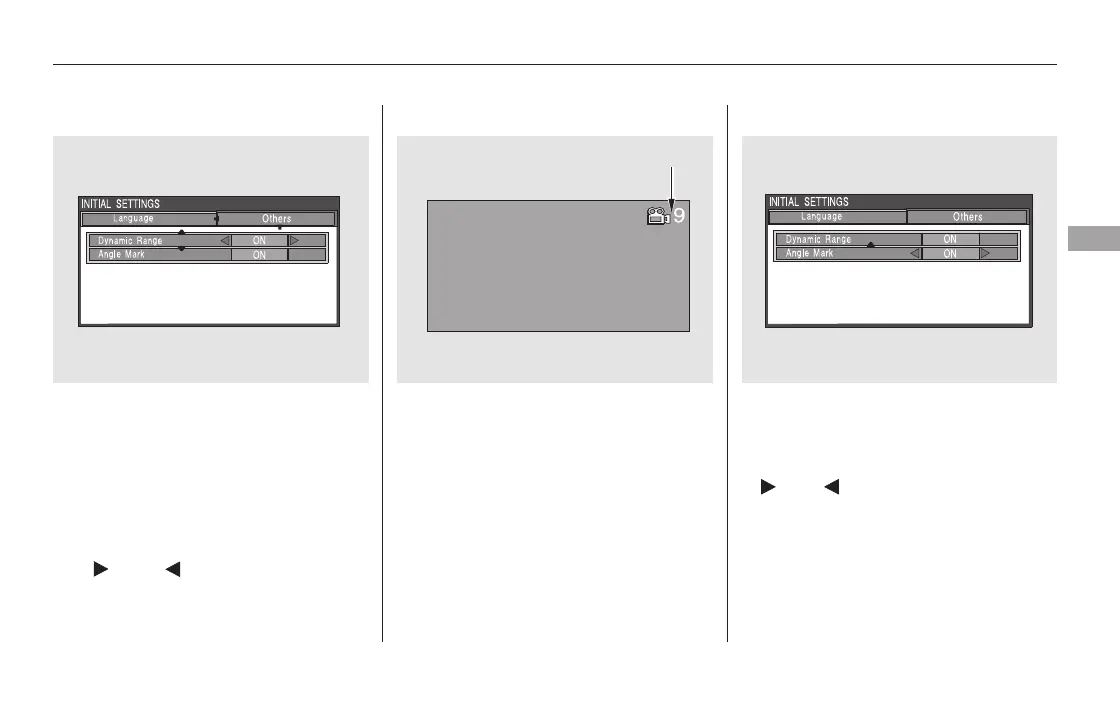
When you select the ‘‘Dynamic
Range’’ by pressing the or
button, you will see the submenu
next to the ‘‘Dynamic Range’’ as
shown above.
Angle Mark
When you switch to another angle
while playing a DVD, the angle mark
is displayed in the upper right corner
of the screen.
You can set the system to display or
not display this angle mark.To turn ‘‘Dynamic Range’’ on or off,
select ‘‘ON’’ or ‘‘OFF’’ by pressing
the or button.
Select ‘‘Angle Mark’’ by pressing the
or button. The above submenu
appears. If you want the angle mark
to be displayed, select ‘‘ON’’ with the
or button.
Rear Entertainment System
Features
421
ANGLE MARK
11/08/01 09:28:53 31SZA630_428













 To Next Page