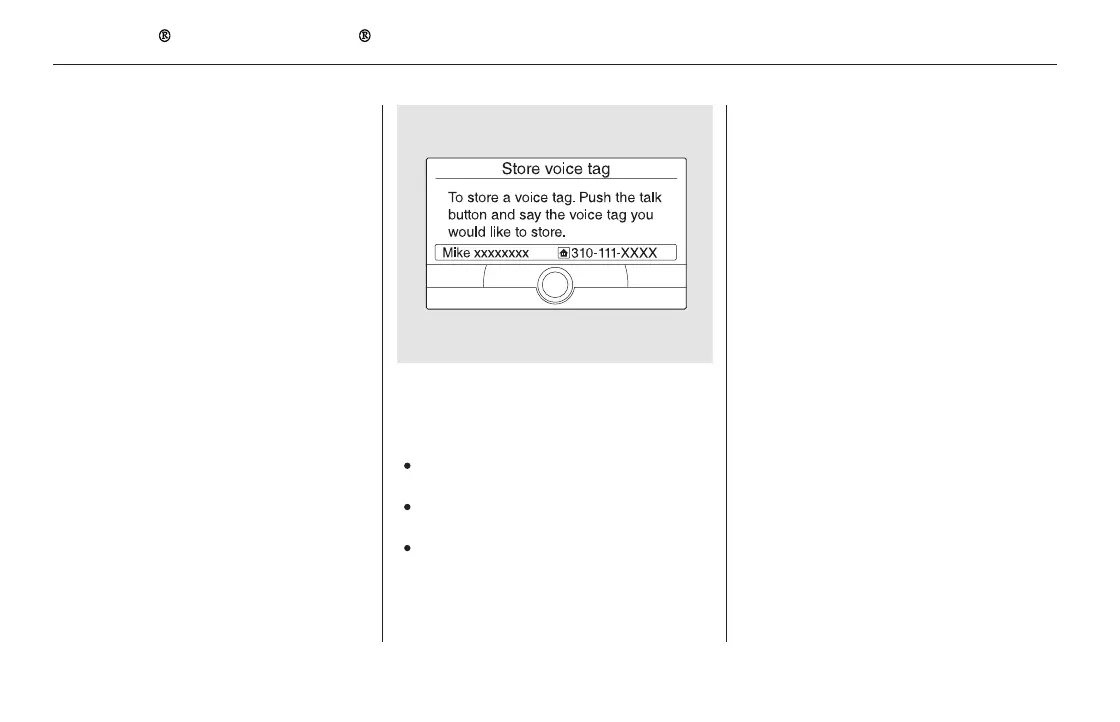
To add a voice tag to a stored speed dial
number:
To delete a voice tag:
Select ‘‘Edit Speed Dial’’ from the
Phone Setup screen.
Select ‘‘Store Voice Tag.’’
Select the number you want to
storeavoicetagfor.
Follow the prompts to complete
the voice tag.
Avoid using duplicate voice tags.
Avoid using ‘‘home’’ as a voice tag.
It is easier for HFL to recognize a
longername.Forexample,use
‘‘John Smith’’ instead of ‘‘John.’’
Select ‘‘Edit Speed Dial’’ from the
Phone Setup screen.
Select ‘‘Delete Voice Tag.’’
Select the number you want to
delete the voice tag for.
A trash icon appears next to the
selected numbers. Select ‘‘OK’’ to
continue.
1.
2.
3.
4.
1.
2.
3.
4.
Bluetooth
HandsFreeLink (Models with navigation system)
478
NOTE:
11/08/01 09:39:45 31SZA630_485













 To Next Page