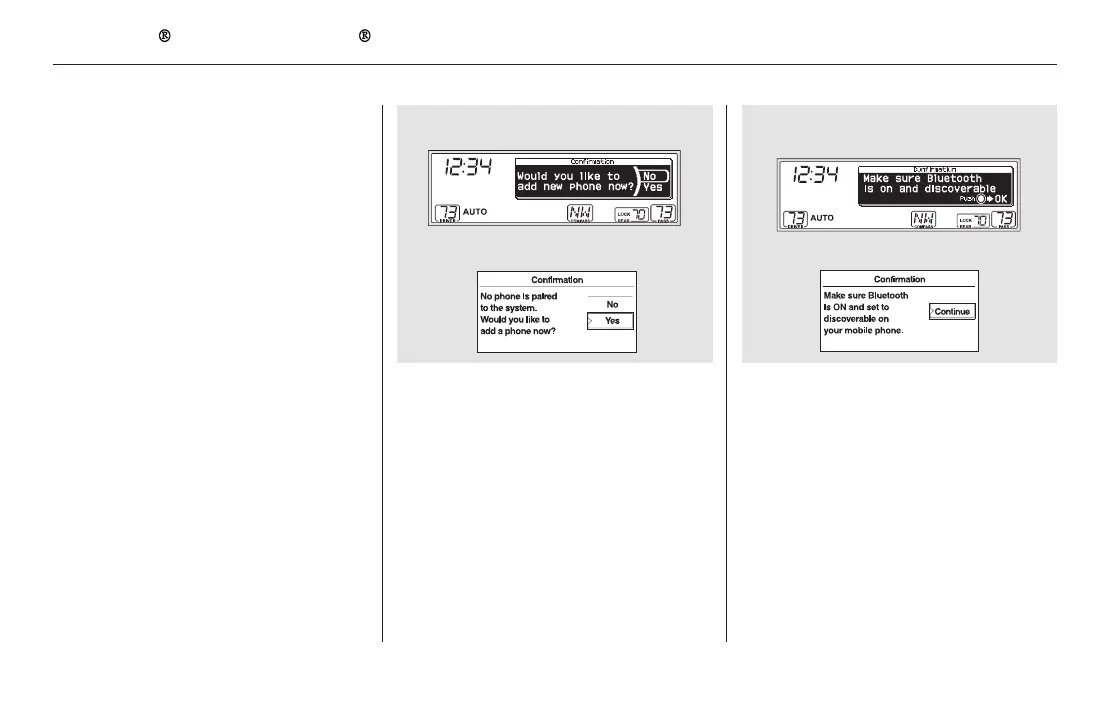
Make sure your phone is set to
discoverable or visibility is on, and
select ‘‘Continue.’’ HFL begins to
searchforyourphone.
Press the PHONE button or PICK-
UP button. The system starts pairing
when there is no phone paired to the
system.
Press the PHONE button or PICK-
UP button. The system prompts
you to pair a phone. Select ‘‘Yes’’
on the confirmation screen.
1. 2.
To pair a cell phone (when there is no
phone paired to the system):
Bluetooth
HandsFreeLink (Models without navigation system)
Setup Bluetooth Phone
448
ExampleU.S. EX and Canadian LX models
EX-L and Canadian EX models
U.S. EX and Canadian LX models
EX-L and Canadian EX models
11/08/01 09:33:19 31SZA630_455













 To Next Page